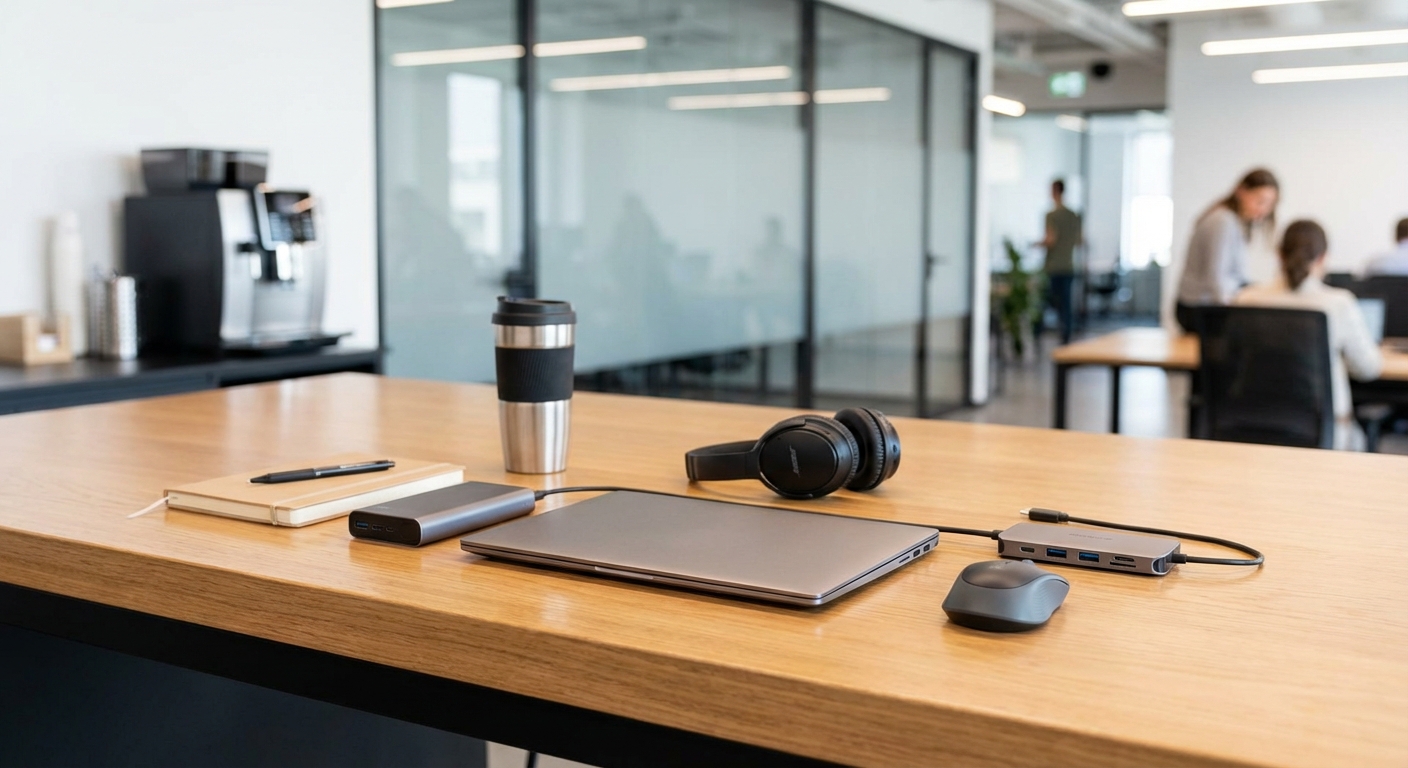
Walking into a coworking space without the right gear is like showing up to a gym without workout clothes. You can technically make it work, but you’ll spend most of your time uncomfortable and wishing you’d prepared better. Remote workers who treat coworking spaces as their professional home base need a reliable toolkit that goes beyond just a laptop and good intentions.
Successful coworking requires seven categories of essential tools: reliable tech hardware, quality audio equipment, power management solutions, ergonomic accessories, security tools, productivity software, and personal comfort items. Remote workers who invest in these essentials report 40% fewer workflow interruptions and significantly better focus during coworking sessions. The right toolkit transforms any shared workspace into your most productive office environment.
Hardware Essentials That Actually Matter
Your laptop is obvious. But the accessories that support it make the real difference between a frustrating day and a productive one.
A portable laptop stand changes everything about your posture and comfort. Spending eight hours hunched over a flat desk surface creates neck pain that compounds over weeks. Adjustable stands let you match screen height to eye level, regardless of whether you’re at a hot desk, dedicated space, or meeting room.
External keyboards and mice complete the ergonomic setup. Most coworking spaces offer decent desks, but you can’t control the exact height or angle. Bringing your own input devices means you can position your laptop screen properly without compromising how you type or navigate.
USB-C hubs solve the port shortage problem that plagues modern laptops. You need to connect power, external displays, ethernet cables, and USB drives simultaneously. A quality hub with multiple ports and pass-through charging keeps everything connected without cable chaos.
Here’s what belongs in your hardware kit:
- Laptop stand (adjustable, lightweight aluminum models work best)
- Wireless keyboard and mouse (rechargeable versions eliminate battery hassles)
- USB-C hub with at least four ports and power delivery
- External webcam (laptop cameras rarely flatter anyone on video calls)
- Portable monitor for dual-screen productivity
- Cable organizer or roll-up pouch
The complete guide to printing, scanning, and office equipment access in coworking spaces covers shared resources, but your personal hardware determines your baseline productivity.
Audio Equipment That Blocks Out the World
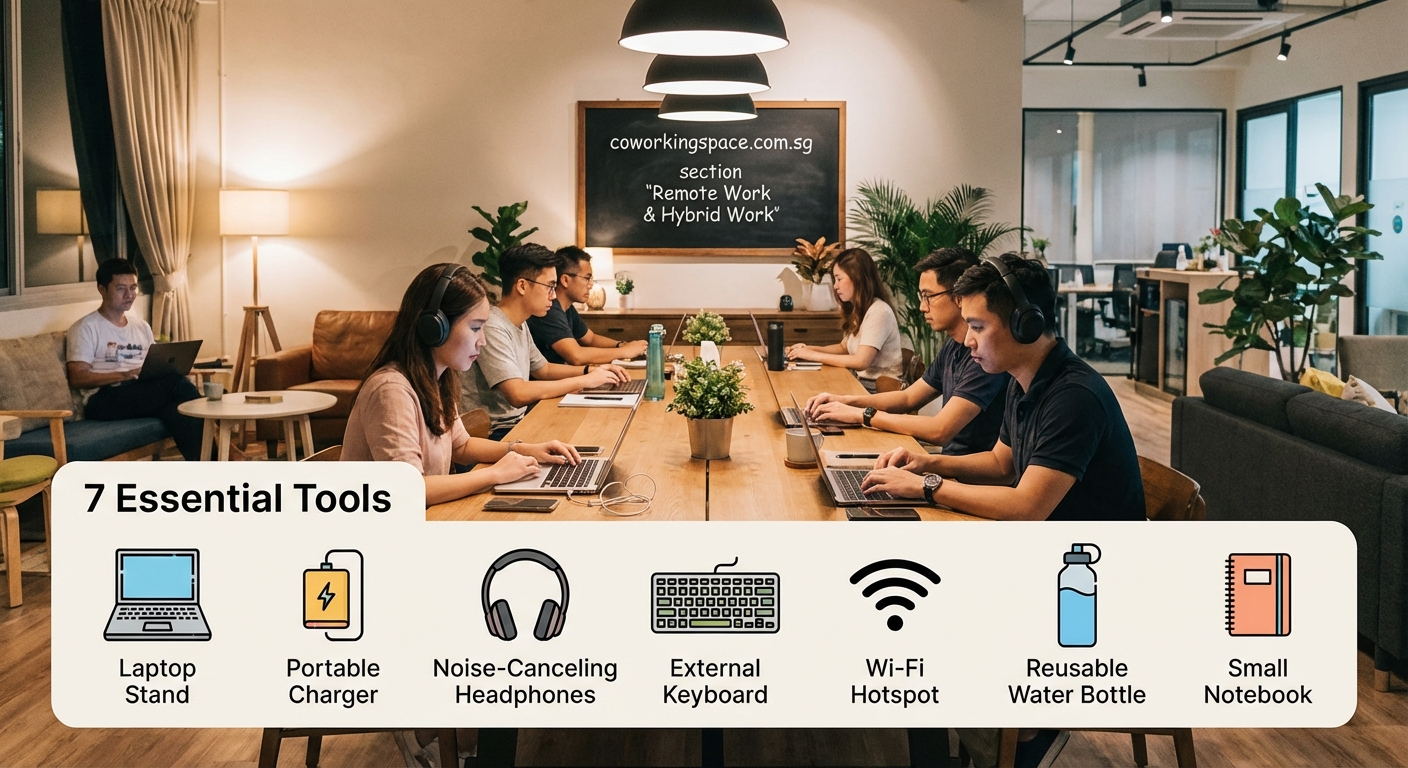
Coworking spaces buzz with energy. That’s great for networking but terrible for focused work or client calls.
Noise-canceling headphones are non-negotiable. Active noise cancellation technology eliminates background chatter, coffee machine sounds, and keyboard clacking from nearby desks. Over-ear models provide better isolation than earbuds, though they’re bulkier to transport.
A dedicated external microphone elevates your audio quality on video calls. Laptop microphones pick up every ambient sound in the space. USB microphones with cardioid pickup patterns capture your voice while rejecting background noise. Your clients and colleagues notice the difference immediately.
Consider these audio scenarios:
| Situation | Tool Needed | Why It Matters |
|---|---|---|
| Deep focus work | Noise-canceling headphones | Eliminates distractions without isolating you visually |
| Client video calls | External microphone | Professional audio quality builds credibility |
| Team meetings | Headset with boom mic | Clear two-way communication without echo |
| Phone calls | Wired earbuds with mic | Reliable connection without battery concerns |
| Casual listening | Wireless earbuds | Convenient for breaks and transitions |
Battery life matters more than you think. Headphones that die mid-afternoon force you to either work in noise or waste time charging. Look for models offering 20+ hours of active noise cancellation.
The psychology behind coworking and why shared spaces boost productivity explains how controlling your audio environment affects your mental state throughout the workday.
Power Management That Prevents Panic
Nothing kills productivity faster than watching your battery percentage drop while every outlet in the space is occupied.
A high-capacity power bank serves as your insurance policy. Models with 20,000mAh capacity can fully charge a laptop once and a phone three times. Look for power banks supporting USB-C Power Delivery at 60W or higher for fast laptop charging.
Compact power strips turn one outlet into four. Many coworking spaces have limited power access, especially in popular seating areas. Bringing your own strip means you can share an outlet with a neighbor while still powering all your devices.
Charging cables in multiple lengths prevent awkward positioning. A three-meter USB-C cable lets you sit comfortably while charging from a distant outlet. Keep backup cables in your bag because cables fail at the worst possible moments.
Follow this power preparation checklist:
- Charge all devices to 100% before leaving home
- Pack your laptop charger, power bank, and backup cables
- Arrive early to secure seats near outlets when possible
- Keep your power bank charged as a backup reserve
- Use airplane mode on devices you’re not actively using
- Monitor battery levels and plan charging during breaks
Smart remote workers treat power management like fuel management. You wouldn’t drive across the country without planning gas stops. Don’t work from coworking spaces without planning power access.
Ergonomic Accessories That Save Your Body
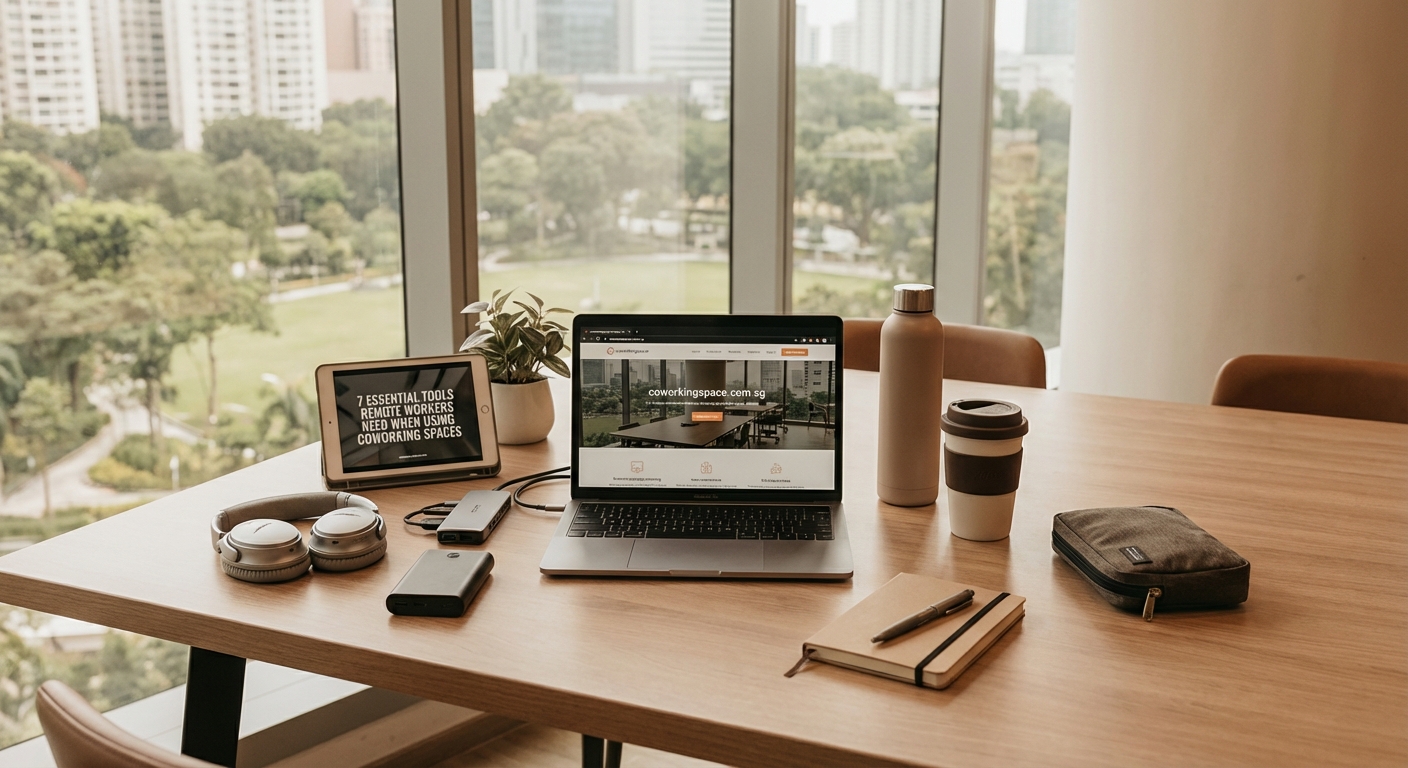
Eight-hour workdays in varying seating arrangements take a physical toll. Small ergonomic investments prevent chronic pain.
Portable lumbar support cushions adapt any chair to your back. Coworking spaces invest in decent seating, but “decent” doesn’t mean “perfect for your spine.” Inflatable or memory foam lumbar rolls cost little and pack flat.
Wrist rests for keyboards and mice reduce strain during typing-heavy days. Repetitive stress injuries develop gradually. You won’t notice the damage until it’s already affecting your work quality and comfort.
Blue light blocking glasses reduce eye strain from screens. Coworking spaces often have bright overhead lighting that compounds screen glare. Glasses with amber-tinted lenses filter harmful blue wavelengths without distorting color perception significantly.
“I ignored ergonomics for my first year of coworking and paid for it with chronic neck pain. Now I spend five minutes setting up my workspace properly every morning. That small routine saves me hours of discomfort and maintains my focus throughout the day.” – Sarah Chen, freelance developer
The debate about standing desks and ergonomic chairs in coworking spaces covers what spaces provide, but your personal accessories fill the gaps.
Security Tools That Protect Your Work
Shared spaces require heightened security awareness. Your equipment and data need protection.
A Kensington lock cable secures laptops when you step away for coffee or restroom breaks. Most laptops include a security slot designed for these cables. Locking your device to the desk takes ten seconds and prevents opportunistic theft.
Privacy screens for laptop displays prevent shoulder surfing. These filter films make your screen appear black when viewed from angles. They’re essential when working with sensitive client data or confidential business information in open seating areas.
A VPN subscription encrypts your internet traffic on shared networks. Coworking spaces typically offer secure WiFi, but VPNs add an extra protection layer. They also let you access region-locked resources and maintain privacy from network administrators.
Physical security extends to your belongings. A compact cable lock can secure your bag to your chair. Keep valuables in zippered compartments rather than open pockets. Never leave devices unattended, even for “just a minute.”
Your security toolkit should include:
- Laptop lock cable with combination or key lock
- Privacy screen filter sized for your display
- VPN service with servers in multiple countries
- Password manager for secure credential storage
- Two-factor authentication on all critical accounts
- Encrypted external drive for sensitive file backups
When choosing your first coworking space in Singapore, ask about security measures, but don’t rely solely on what the space provides.
Software and Apps That Streamline Your Day
Physical tools matter, but digital tools determine how efficiently you work.
Cloud storage services keep files accessible across devices and locations. Services like Dropbox, Google Drive, or OneDrive ensure you can access any document from any workspace. Automatic syncing prevents version control headaches.
Project management tools maintain organization across client work. Platforms like Trello, Asana, or Notion help you track tasks, deadlines, and deliverables. Visual boards work better than scattered notes when you’re moving between home and coworking sessions.
Time tracking software proves your productivity to clients and yourself. Apps like Toggl or Harvest run in the background, automatically categorizing work by project. Detailed time logs support accurate invoicing and reveal where your hours actually go.
Communication platforms need mobile and desktop versions. Slack, Microsoft Teams, or Discord should work seamlessly whether you’re at your desk or grabbing lunch. Push notifications keep you responsive without requiring constant screen monitoring.
Consider this software stack for coworking success:
- Cloud storage (minimum 100GB for active project files)
- Project management platform with mobile app
- Time tracking tool with automatic categorization
- Communication app with desktop and mobile sync
- Password manager with browser extensions
- Note-taking app with offline access
- Calendar with multiple timezone support
- Video conferencing software with virtual backgrounds
The apps and tools every digital nomad needs in Singapore covers location-specific resources, but these core tools work anywhere.
Personal Comfort Items That Make Spaces Feel Like Yours
Coworking spaces provide infrastructure. You provide the personal touches that make the environment comfortable.
A reusable water bottle keeps you hydrated without constant cafe runs. Dehydration kills concentration faster than you realize. Having water at your desk maintains focus and saves money on bottled drinks.
Healthy snacks prevent energy crashes between meals. Keep nuts, protein bars, or dried fruit in your bag. Blood sugar drops cause irritability and poor decision-making. Small snacks maintain steady energy levels.
A light jacket or cardigan adapts to varying temperatures. Coworking spaces set thermostats for average comfort, which means you’ll find it too cold or too warm. Layering options let you adjust without requesting temperature changes.
Personal items that improve your coworking experience:
- Insulated water bottle (750ml minimum capacity)
- Protein-rich snacks in sealed containers
- Light sweater or hoodie for temperature control
- Hand sanitizer and disinfecting wipes
- Headache medication and basic first aid supplies
- Mints or gum for post-lunch meetings
- Small desk plant or photo for personalization
- Quality pen and small notebook for analog notes
These items seem minor individually but collectively transform your experience. You’re building a mobile office that feels like home regardless of which desk you occupy.
Avoiding Common Mistakes When Building Your Toolkit
New coworking members often make predictable equipment errors.
Overpacking weighs you down and wastes energy. You don’t need every possible tool every single day. Build a core kit for daily use and keep specialized items at home for specific needs.
Cheap alternatives cost more long-term. Budget headphones break within months. Flimsy laptop stands collapse under weight. Quality tools last years and perform better throughout their lifespan. Buy once, cry once.
Ignoring compatibility creates frustration. That USB-C hub won’t work with your older laptop. Those wireless earbuds won’t connect to your phone. Check specifications before purchasing anything.
Here’s what works versus what wastes money:
| Mistake | Better Approach | Impact |
|---|---|---|
| Buying cheapest options | Invest in mid-range quality tools | Fewer replacements, better performance |
| Carrying everything daily | Rotate items based on schedule | Less physical strain, easier commute |
| Skipping ergonomic accessories | Prioritize body-saving tools | Prevents long-term health issues |
| Forgetting backup solutions | Always pack redundant cables and power | Eliminates single points of failure |
| Neglecting software updates | Update apps during off-hours | Prevents mid-workday disruptions |
Understanding common coworking mistakes that new members make helps you avoid equipment-related problems before they affect your productivity.
Building Your Kit Gradually Without Breaking the Bank
You don’t need everything immediately. Smart remote workers build their toolkit over time.
Start with absolute essentials: reliable headphones, laptop charger, and power bank. These three items solve the most common coworking frustrations. Add other tools as you identify specific needs through experience.
Watch for sales on quality equipment. Black Friday, Prime Day, and end-of-year clearances offer significant discounts on electronics. Set price alerts for items on your wish list.
Consider refurbished options from reputable sellers. Manufacturer-refurbished headphones, monitors, and accessories cost 30-50% less than new while maintaining quality. Most include warranties comparable to new products.
Prioritize purchases using this framework:
- Items that prevent work stoppage (chargers, cables)
- Tools that reduce physical discomfort (ergonomic accessories)
- Equipment that improves work quality (microphones, webcams)
- Accessories that increase convenience (portable monitors, hubs)
- Comfort items that enhance experience (water bottles, snacks)
The cost analysis of working from a coworking space in Singapore includes equipment budgeting guidance for remote workers planning their expenses.
Maintaining and Upgrading Your Coworking Toolkit
Tools require care to maintain performance and longevity.
Clean electronics regularly with appropriate materials. Microfiber cloths remove smudges without scratching screens. Compressed air clears dust from keyboard crevices and laptop vents. Monthly cleaning prevents buildup that degrades performance.
Check cables for fraying or damage weekly. Replace compromised cables immediately rather than waiting for complete failure. Damaged cables create fire hazards and can damage connected devices.
Update software and firmware on all devices monthly. Manufacturers release updates fixing bugs and security vulnerabilities. Outdated software creates compatibility issues and exposes you to cyber threats.
Replace consumables before they fail completely. Headphone ear cushions wear out. Power banks lose capacity. Laptop stands develop loose joints. Proactive replacement prevents emergency purchases at premium prices.
Create a maintenance schedule:
- Daily: Wipe down frequently touched surfaces
- Weekly: Inspect all cables and connections
- Monthly: Deep clean electronics and update software
- Quarterly: Assess tool performance and plan upgrades
- Annually: Replace worn items and evaluate new technology
Tools that work reliably fade into the background, letting you focus on actual work rather than equipment problems.
Making Your Toolkit Work Across Different Coworking Environments
Not all coworking spaces offer identical amenities. Your toolkit should adapt to varying conditions.
Research each space’s provided equipment before your first visit. Some locations offer external monitors, ergonomic chairs, and standing desks. Others provide basic tables and chairs. Knowing what’s available helps you pack appropriately.
Keep a checklist for different workspace types. Hot desking requires more personal equipment than dedicated desks. Private offices need less than open areas. Customize your daily pack based on where you’re working.
The differences between hot desks, dedicated desks, and private offices affect which tools you need to bring versus what the space provides.
Test your setup in different areas during your first week. Try working near windows, in quiet zones, and in collaborative areas. Each location presents unique challenges that might require specific tools.
Build flexibility into your toolkit. Adjustable stands work in more situations than fixed-height models. Wireless peripherals adapt to varying desk sizes. Modular organization systems accommodate different bag configurations.
Preparing for the Unexpected
Even perfect planning can’t prevent every problem. Smart remote workers prepare for common emergencies.
Pack a small repair kit with basic tools. A multi-bit screwdriver, spare screws, and super glue fix minor equipment issues. You can tighten loose laptop hinges or reattach keyboard feet without leaving the workspace.
Keep digital backups of critical files in multiple locations. Cloud storage serves as your primary backup. An encrypted external drive provides offline redundancy. Email yourself important documents as a last resort.
Store emergency contact information offline. Write down your coworking space’s phone number, your IT support contact, and critical client numbers. When your phone dies or gets lost, you need alternative access to important contacts.
Your emergency preparedness should include:
- Spare charging cables for all devices
- Backup authentication method for two-factor accounts
- Printed copies of today’s meeting schedules
- External battery that works with your phone
- Basic medical supplies for minor issues
- Contact information for nearby tech repair shops
Problems always emerge at inconvenient times. Preparation minimizes their impact on your productivity and deadlines.
Your Workspace, Your Rules
The best coworking toolkit reflects your specific work style and needs. A graphic designer requires different tools than a software developer. A consultant needs different equipment than a writer.
Start with the essentials covered here, then customize based on your experience. Pay attention to recurring frustrations and solve them with targeted tools. Track which items you use daily versus occasionally.
Your toolkit evolves as your work changes and technology improves. The laptop stand you buy today might get replaced in two years with a better model. That’s normal and expected.
What matters most is building a reliable system that lets you work productively anywhere. The right essential tools for coworking spaces transform shared workspaces into your most effective office environment, regardless of which desk you occupy or which city you’re working from today.