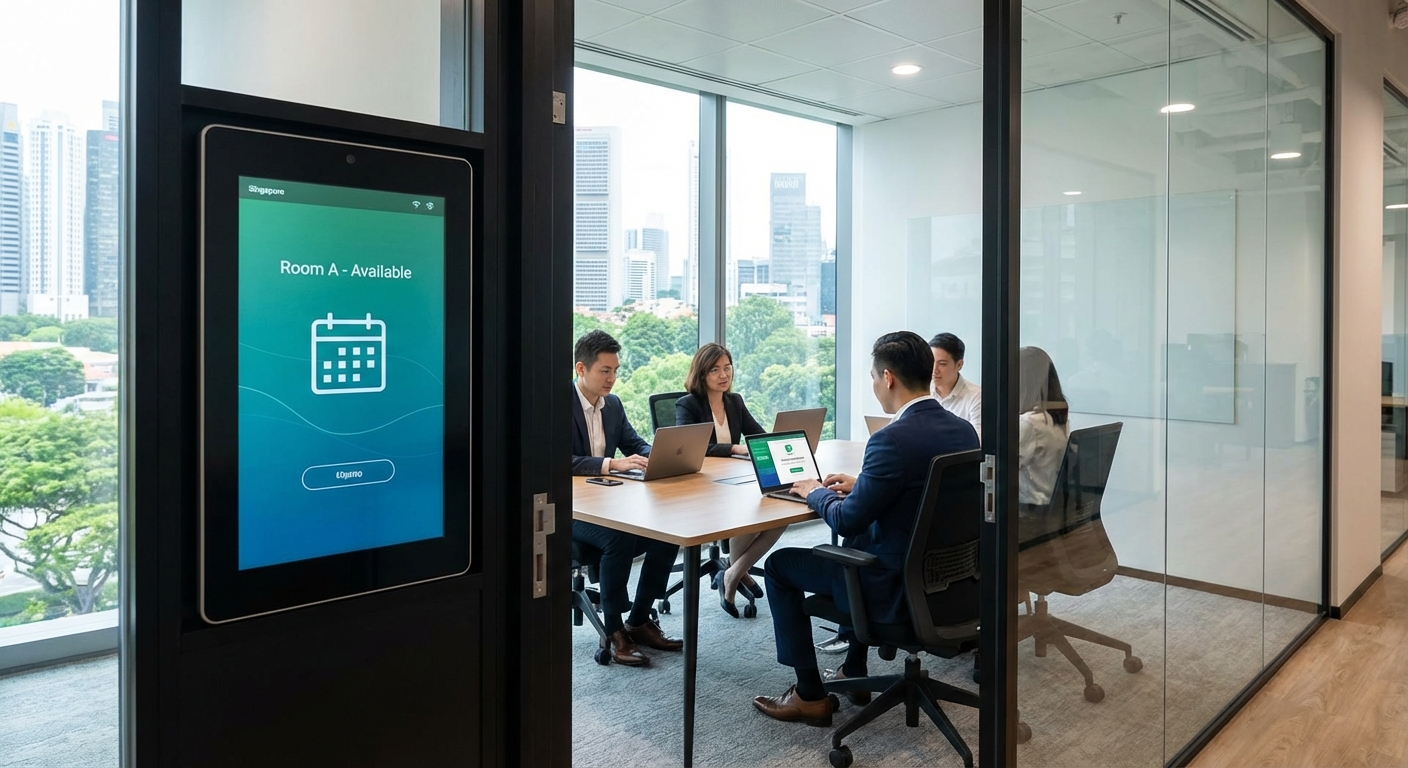
Booking a meeting room at a Singapore coworking space shouldn’t feel like solving a puzzle. Yet many freelancers and small business owners hesitate to commit to memberships because they’re unsure how the booking process actually works. Will you get the room you need when you need it? Is the system complicated? What happens if plans change?
Let’s clear up the confusion. Most modern coworking spaces in Singapore use straightforward digital booking systems that put control in your hands. Understanding these systems before you sign up helps you choose the right space and avoid frustration later.
Singapore coworking spaces typically use app-based or web portal booking systems that let members reserve meeting rooms minutes to weeks in advance. Most include real-time availability, automated cancellations, and tiered access based on membership level. Understanding booking windows, credit systems, and cancellation policies before joining ensures you get the rooms you need without surprises or wasted credits.
Types of booking systems you’ll encounter
Singapore coworking spaces use three main booking approaches. Each has different strengths depending on your working style.
App-based systems let you book from your phone anywhere. You open the app, see which rooms are free, and reserve with a few taps. Most spaces send push notifications to remind you about upcoming bookings. The convenience matters when you’re rushing between client meetings.
Web portal systems work through your browser. You log into the space’s website, navigate to the booking calendar, and select your time slot. These often show more detailed room information and floor plans than mobile apps.
Hybrid systems combine both options. You can book from your laptop at home or your phone while commuting. This flexibility suits people who switch between devices throughout the day.
Some older or boutique spaces still use manual booking through reception. You call, email, or walk up to the front desk. This personal touch works for spaces with just one or two meeting rooms, but it becomes impractical for larger facilities with multiple options.
How advance booking windows work
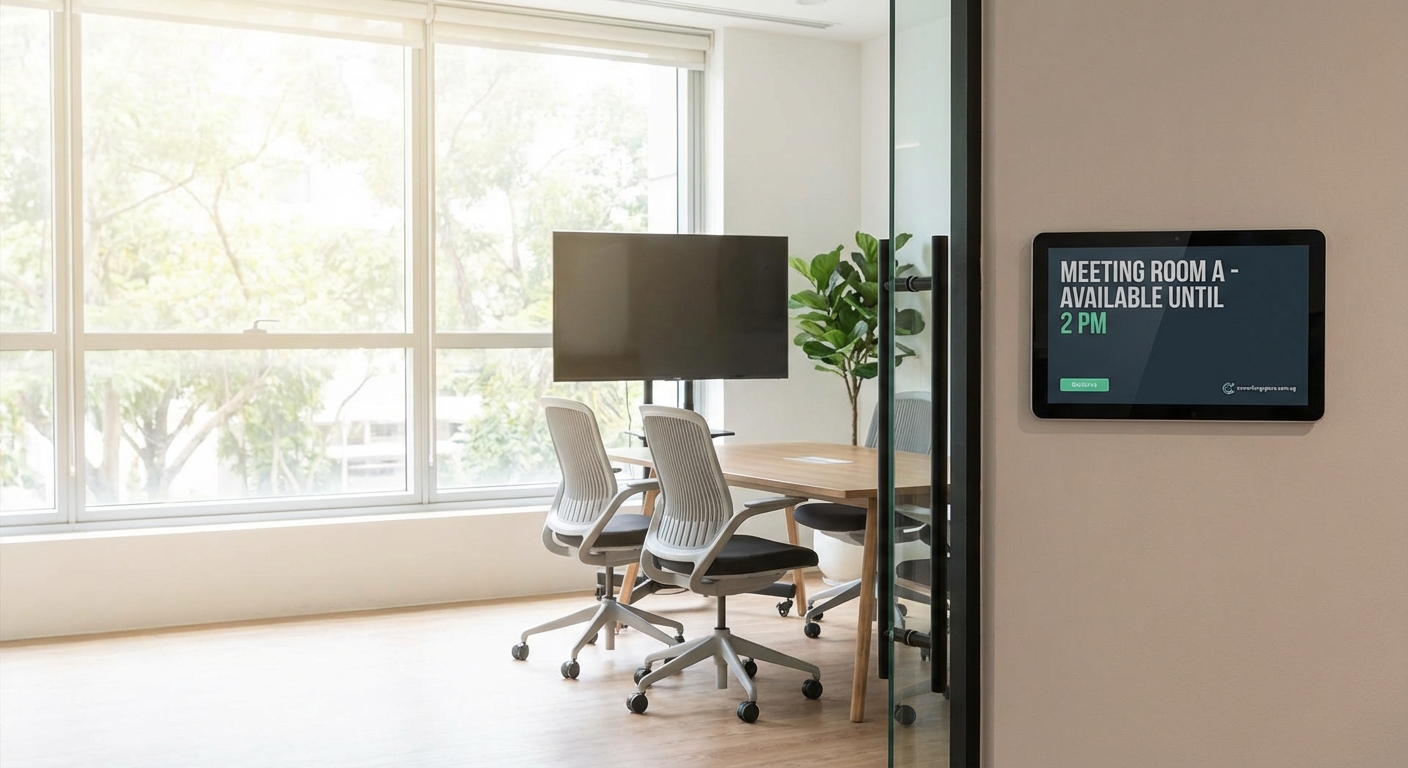
Every space sets rules about how far ahead you can book. Understanding these windows helps you plan client meetings without stress.
Most Singapore coworking spaces follow one of these patterns:
- 7-day rolling window for hot desk members
- 14-day advance booking for dedicated desk members
- 30-day advance booking for private office tenants
- Same-day only booking for day pass holders
The advance window reflects your membership tier. Spaces prioritize long-term members who pay higher fees. A freelancer on a basic plan might only see the next week, while a startup with a private office can lock in rooms a month out.
Some spaces use a two-tier system. Core business hours (9am to 6pm) have restricted booking windows. Early mornings, evenings, and weekends open up further in advance. This prevents one member from hogging prime slots.
If you regularly meet clients on specific days, ask about recurring bookings during your space tour. Many operators will manually set up weekly or monthly reservations for committed members, even if the system doesn’t show that option.
Credit systems versus unlimited access
Payment structures for meeting rooms vary significantly. The wrong choice can cost you money or limit your flexibility.
Credit-based systems give you a monthly allocation. A typical plan might include 5 hours of meeting room time per month. Use it or lose it. Extra hours cost $20 to $50 per hour depending on room size. This works well if you meet clients occasionally but not every week.
Unlimited access plans cost more upfront but remove the mental math. You book rooms whenever needed without tracking credits. The catch? You still face advance booking windows and availability limits. Popular times fill up fast even with “unlimited” access.
Pay-per-use models charge for every booking. Day pass holders and basic members usually fall into this category. Rates range from $15 per hour for small rooms to $80+ per hour for large conference spaces with presentation equipment.
Package deals bundle meeting room hours with your membership. For example, a $400 monthly membership might include 10 hours of small room access. This middle ground suits consultants and small teams who need regular but predictable meeting space.
When you’re choosing your first coworking space in Singapore, calculate your typical monthly meeting room needs. Track how often you meet clients for three months before committing to a specific plan.
Understanding booking interfaces
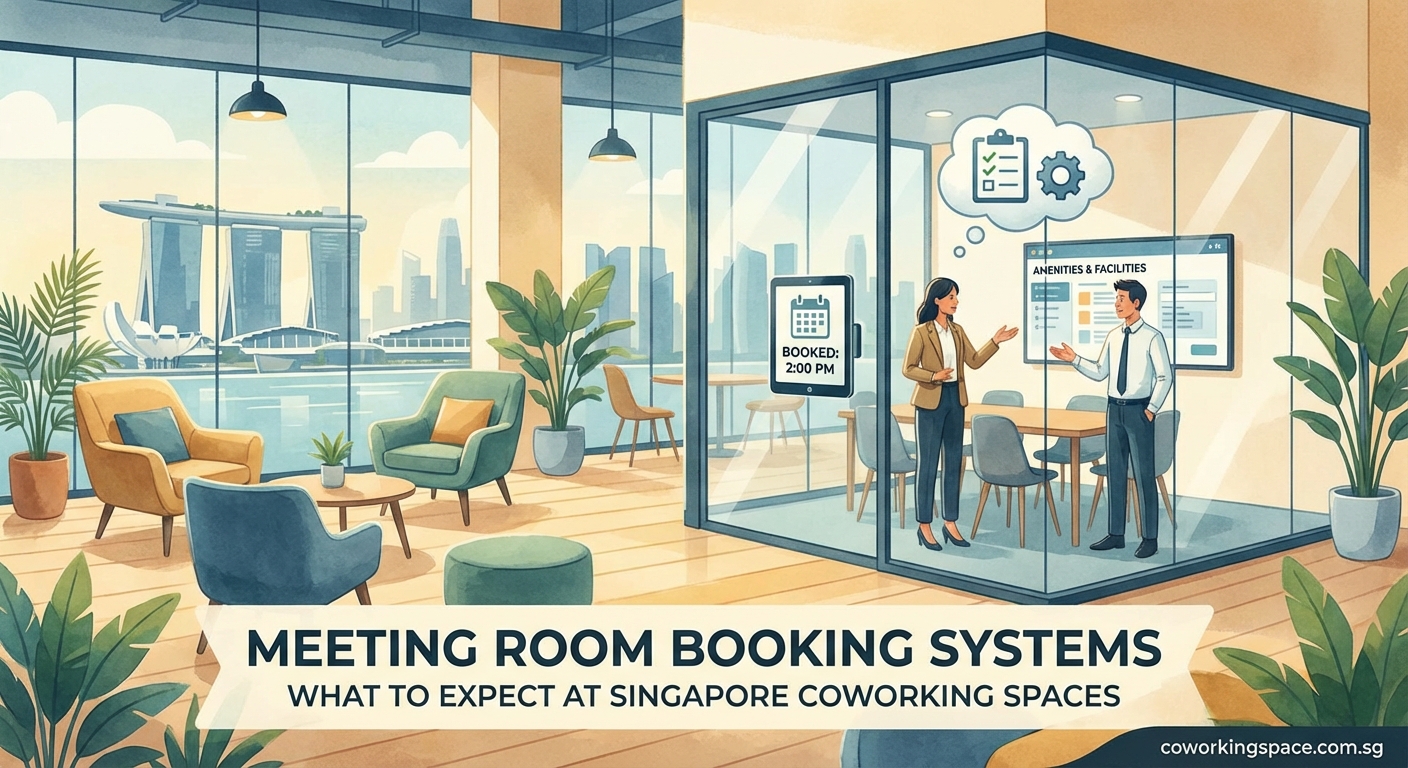
The actual booking process takes less than two minutes once you know what to expect. Here’s what happens step by step.
- Log into the booking system using your member credentials.
- Select your desired date and time range.
- Filter by room capacity, equipment needs, or location within the building.
- Review available options with photos and amenity lists.
- Confirm your booking and receive immediate email confirmation.
- Add the reservation to your calendar via automatic sync.
Modern systems show real-time availability. If someone books a room while you’re browsing, it disappears from your options. No double-booking headaches.
Most interfaces display rooms with key details:
| Room Feature | What to Check | Why It Matters |
|---|---|---|
| Capacity | Number of seats | Avoid cramped meetings or wasted space |
| Equipment | Screen, whiteboard, video conferencing | Ensures you have tools for presentations |
| Natural light | Window presence | Affects mood and video call quality |
| Noise level | Distance from open workspace | Prevents interruptions during calls |
| Accessibility | Ground floor, elevator access | Important for clients with mobility needs |
Some spaces let you preview rooms through 360-degree photos. This helps remote workers who haven’t visited the space yet assess whether a room suits their needs.
Cancellation policies that affect your credits
Plans change. Understanding cancellation rules prevents you from losing money or credits.
Most Singapore coworking spaces follow a tiered cancellation structure. Cancel 24 hours before your booking? Full credit refund. Cancel 2 hours before? You lose the credits. No-show? You pay a penalty fee on top of losing the booking.
Grace period systems give you 15 to 30 minutes after your booking starts to cancel without penalty. This helps when meetings run late or clients reschedule at the last minute.
Automatic release systems free up your room if you don’t check in within 10 minutes of start time. Other members can then grab that slot. Some spaces see this as harsh, but it keeps rooms available instead of sitting empty.
Modification flexibility varies. Some systems let you change your booking time, room size, or date without penalty. Others treat modifications as cancellations, forcing you to rebook from scratch and potentially lose your preferred slot.
The strictest spaces charge cancellation fees. A $30 fee for late cancellations discourages people from making multiple tentative bookings. But it also frustrates members dealing with genuine emergencies.
Read the cancellation policy before booking your first room. Some spaces hide these details in membership agreements rather than displaying them prominently in the booking interface.
Equipment and setup options
Meeting rooms come with different technology stacks. The booking system should clearly show what’s included.
Standard equipment in most Singapore meeting rooms includes:
- Large display screen or projector
- HDMI and wireless casting options
- Whiteboard with markers
- Conference phone or speakerphone
- Adjustable lighting controls
- Climate control access
Premium rooms add video conferencing hardware, multiple screens, recording equipment, and professional microphones. These cost more per hour but save you from bringing your own gear.
Some booking systems let you request additional equipment during reservation. Need a flip chart? Extra chairs? A laptop for presentations? Check the box and the space prepares it before you arrive. Other spaces require separate equipment requests through email or reception.
Setup time matters for complex meetings. If you need 15 minutes to arrange furniture or test technology, book an extra 30-minute buffer. Most systems charge for your full reservation period, so arriving early doesn’t cost extra.
Spaces with high-speed internet typically advertise bandwidth in their room listings. A 500 Mbps connection handles video calls smoothly, while 100 Mbps might struggle with screen sharing and multiple participants.
Mobile app features that save time
Coworking apps do more than just bookings. The best ones streamline your entire workspace experience.
Check-in functionality lets you confirm arrival from your phone. This prevents automatic cancellations and helps reception track room usage. Some spaces unlock meeting room doors through the app, eliminating the need to fetch keys.
Real-time notifications alert you about booking confirmations, upcoming meetings, and availability changes. If someone cancels a room you wanted, the app notifies you immediately so you can grab it.
Favorite rooms save your preferred spaces. Instead of browsing through 10 options every time, you bookmark the quiet room on the third floor and check its availability first.
Recurring booking management shows all your regular reservations in one view. Modify or cancel your weekly client meeting slot without hunting through individual bookings.
Credit tracking displays your remaining meeting room hours, printing credits, and other allocations. No more surprises when you try to book and discover you’re out of credits.
The most useful feature? Waitlist functionality. If your desired time slot is full, add yourself to the waitlist. When someone cancels, you automatically get their spot and receive an immediate notification.
Peak hours and booking strategies
Meeting rooms fill up fast during certain times. Smart booking strategies ensure you get the space you need.
Peak booking times in Singapore coworking spaces:
- Monday mornings (9am to 11am) for weekly team meetings
- Tuesday through Thursday afternoons (2pm to 5pm) for client presentations
- Friday mornings before lunch for project reviews
Early mornings before 9am and late afternoons after 5pm see less competition. If your clients accept flexible meeting times, you’ll have more room options.
Booking ahead matters more than you think. Waiting until the day before a client meeting often means settling for suboptimal rooms. Premium members who can book 30 days out snap up the best spaces.
Some coworking spaces release additional inventory closer to the date. They hold back 20% of capacity for last-minute needs. Check the system daily if you’re flexible on timing.
Alternative room options provide backup plans. Instead of insisting on the 6-person room, consider the 8-person space. It costs slightly more but remains available when smaller rooms fill up.
Understanding how to eliminate distractions helps you choose rooms strategically. A larger room farther from the open workspace might serve you better than a small room next to the kitchen.
Common booking mistakes to avoid
New members make predictable errors. Learning from others saves you frustration and wasted credits.
| Mistake | Why It Happens | How to Avoid It |
|---|---|---|
| Booking too small a room | Underestimating participant count | Always add 2 extra seats to your estimate |
| Ignoring equipment needs | Assuming all rooms have projectors | Check equipment list before confirming |
| Forgetting buffer time | Booking back-to-back meetings | Add 15 minutes between bookings for setup |
| Not testing technology | Trusting everything works | Arrive 10 minutes early for important meetings |
| Overlooking cancellation deadlines | Assuming flexible changes | Set phone reminders for 24-hour cancellation windows |
Double-booking yourself happens when you forget about existing reservations. The app should prevent this, but some systems allow overlapping bookings across different room types. Check your calendar before confirming.
Booking the wrong date sounds silly, but it happens frequently. Singapore’s mix of public holidays and different calendar systems trips people up. Always double-check the day of the week, not just the date.
Ignoring room reviews costs you. Some spaces let members rate and comment on rooms. A room might look perfect in photos but have echo problems or uncomfortable chairs. Read feedback before booking important client meetings.
For more guidance on common coworking mistakes, especially around booking systems and space usage, check detailed member experiences.
Integration with calendar and productivity tools
Your meeting room booking shouldn’t exist in isolation. Good systems connect with the tools you already use.
Calendar sync automatically adds confirmed bookings to Google Calendar, Outlook, or Apple Calendar. You see your meeting room reservation alongside your other appointments. This prevents scheduling conflicts and keeps your day organized.
Email confirmations arrive immediately after booking. They include room location, equipment details, and access instructions. Forward these to clients so they know exactly where to meet you.
Slack or Teams integration notifies your team about upcoming bookings. If you book a room for a team meeting, everyone gets pinged automatically. No need to send separate messages.
Billing integration tracks your meeting room usage and adds charges to your monthly invoice. You see exactly what you spent on rooms versus other services.
Some advanced systems connect with project management tools. Book a room for a client presentation, and the system automatically creates a task reminder to prepare materials. This level of integration remains rare but increasingly common in premium spaces.
What to ask before joining
Tour the space and test the booking system before committing to membership. These questions reveal potential problems.
How far in advance can I book at my membership level? Don’t assume. Get specific numbers and ask if they change during busy periods.
What happens to unused credits? Some spaces let you roll over credits to the next month. Others implement a strict use-it-or-lose-it policy.
Can I book multiple rooms simultaneously? If you run events or workshops, you might need two rooms at once. Not all systems allow this.
Is there a booking limit per week or month? Some spaces cap how many total hours you can reserve, even with unlimited plans. This prevents one member from monopolizing resources.
How does the waitlist work? Understand priority rules. Do longer-term members get first crack at cancelled slots?
What’s your policy on recurring bookings? If you meet clients every Tuesday at 2pm, can you set up an automatic reservation?
Ask to see the actual booking interface during your tour. Click through the process yourself. A clunky system signals potential frustration down the road.
When evaluating whether coworking spaces are worth the cost, factor in the booking system’s ease of use. A cheap membership with a terrible booking experience costs you time and stress.
Comparing booking systems across major operators
Different coworking brands in Singapore use different platforms. Knowing what to expect helps you evaluate options.
Large chain operators typically use proprietary systems with robust features. These include mobile apps, waitlists, and detailed room filtering. The downside? Less flexibility for special requests since everything runs through automated processes.
Boutique coworking spaces often use simpler systems or rely more on personal service. You might email or message the community manager directly. This works well in smaller spaces where staff know members by name.
Flexible workspace providers sometimes use third-party booking platforms. These systems work across multiple locations, which helps if you travel frequently. Book a room at their Singapore location, then use the same login at their Hong Kong or Bangkok space.
Serviced office hybrids may restrict meeting room booking to specific tiers. Basic members get no access, while premium members enjoy unlimited use. This creates a clearer value ladder but reduces flexibility.
Test the system during a day pass visit. Book a small room for an hour. Experience the full process from reservation to check-in to check-out. You’ll quickly identify friction points.
How booking systems handle special requests
Standard bookings work smoothly, but what about unique needs? The system’s flexibility matters when you face unusual situations.
Catering arrangements require coordination beyond the booking system. Most spaces let you note catering needs during reservation, then follow up with separate arrangements. Some connect you directly with preferred vendors through the platform.
Extended hours beyond normal room booking windows need approval. If you want a room from 7pm to 10pm for an evening workshop, the system might block you. Contact the space directly to request after-hours access.
Room customization like furniture rearrangement or special equipment setup typically requires advance notice. The booking system alone won’t handle this. Leave notes in the reservation comments, but also email the operations team.
Guest registration for external attendees sometimes integrates with the booking system. You add guest names and email addresses, and they receive automatic access instructions. Other spaces handle guest management separately at reception.
Accessibility accommodations should be requested during booking. If a client uses a wheelchair or needs specific seating arrangements, note this in your reservation. Good spaces respond proactively.
The system’s comment field becomes your communication tool. Use it. Spaces appreciate advance notice about special needs rather than last-minute surprises.
Mobile versus desktop booking experiences
Where you book affects your experience. Each platform has strengths.
Mobile booking wins for speed and convenience. You’re at a coffee shop, realize you need a meeting room in two hours, and book instantly from your phone. The interface prioritizes essential information and fast taps over detailed browsing.
Desktop booking provides better comparison tools. You see multiple rooms side by side, compare amenities in detail, and check floor plans. This matters when booking important client meetings where room choice affects impression.
Tablet interfaces split the difference. Larger screens than phones but more portable than laptops. Some spaces optimize their booking systems specifically for tablets since many members use iPads.
Most members use mobile for routine bookings and desktop for important reservations. The ability to seamlessly switch between devices without losing your place matters more than which platform you start on.
Check whether the mobile app requires constant internet connection. Some work offline and sync later, while others need active data. This affects reliability in buildings with spotty reception.
Understanding priority and access levels
Not all members get equal booking privileges. The tier system affects your meeting room access significantly.
Day pass holders typically get same-day booking only, if any access at all. Some spaces exclude day passes from meeting rooms entirely, viewing them as desk-only memberships.
Hot desk members usually receive limited credits and short advance booking windows. This tier suits freelancers who occasionally need meeting space but don’t want to pay for unlimited access.
Dedicated desk members get more credits, longer booking windows, and sometimes priority during peak hours. The space recognizes your higher commitment with better access.
Private office tenants enjoy the most generous terms. Unlimited or high-credit allocations, 30-day advance booking, and first priority on premium rooms. Some spaces give private office members exclusive access to certain high-end conference rooms.
Corporate accounts with multiple memberships might get special booking privileges. A company with 10 dedicated desks could negotiate team booking capabilities or guaranteed room availability during business hours.
This hierarchy makes sense from the space’s perspective. They reward higher-paying, committed members. But it means your membership tier directly affects your ability to secure meeting rooms when you need them.
Consider meeting room packages if you’re a startup without a permanent office but need frequent client-facing space. These specialized plans often provide better value than standard memberships with add-on room credits.
Security and privacy features
Meeting rooms handle confidential discussions. The booking system should protect your privacy.
Booking visibility varies by space. Some show all members who booked which rooms and when. Others keep reservations private, displaying only availability. Ask about this if you handle sensitive client work.
Guest information protection matters when you register external attendees. The system should not expose guest details to other members or store data unnecessarily.
Room access control through digital locks or key cards ensures only your group enters during your reservation. Some spaces still use manual keys, which creates security gaps if previous users made copies.
Recording policies should be clearly stated. If the room has built-in recording equipment, can other members access those files? Who controls the data?
Soundproofing details affect privacy even if the booking system works perfectly. A well-designed system means nothing if conversations echo through thin walls. Check physical privacy during your tour, not just digital security.
Spaces targeting corporate clients typically invest more in privacy features. Boutique spaces focused on creative freelancers might take a more casual approach. Match the security level to your needs.
Getting the most value from your booking credits
Meeting room credits represent real money. Use them strategically to maximize value.
Book larger rooms for important meetings even if you only need a small space. The professional impression matters more than saving a few credits. But use small rooms for internal team check-ins.
Combine bookings when possible instead of making multiple short reservations. A two-hour block costs less than two separate one-hour bookings in some credit systems.
Use off-peak hours for flexible meetings. Early morning or late afternoon slots sometimes cost fewer credits than prime afternoon times.
Share costs with other members for joint meetings or workshops. Some spaces allow split billing if both parties have credits to contribute.
Track credit expiration religiously. Set calendar reminders one week before credits expire. Book rooms for future planning sessions or team working sessions rather than losing unused credits.
Negotiate credit rollovers during membership renewal. Spaces sometimes offer this perk to retain long-term members, even if it’s not standard policy.
The true value of coworking spaces includes meeting room access, but only if you actually use your allocation. Don’t let credits expire unused.
Making booking systems work for your business
Different work styles need different approaches. Tailor your booking strategy to your business model.
Consultants who meet clients weekly should prioritize spaces with generous advance booking windows and recurring reservation options. Lock in your preferred time slot for the entire month.
Freelancers with occasional meetings benefit from pay-per-use models. Why pay for unlimited access you won’t use? Find spaces that charge fairly for single bookings without requiring monthly commitments.
Small teams need coordination features. Choose systems that let multiple team members book rooms and see each other’s reservations. This prevents double-booking and ensures meeting space availability.
Remote workers balancing home and coworking time want flexible booking with good mobile apps. You might decide to come to the space based on whether you can get a meeting room that day.
Startups preparing for investor meetings need guaranteed access to premium rooms. Consider higher-tier memberships during fundraising periods, even if you downgrade later.
Your booking needs will change as your business grows. Start with basic access and upgrade when you consistently run out of credits or face booking restrictions.
What happens when systems fail
Technology breaks. Understanding backup procedures prevents meeting disasters.
System outages occasionally take booking platforms offline. Good spaces maintain manual booking logs at reception. Call or visit the front desk to reserve rooms when the app fails.
Double-booking errors happen despite real-time systems. If you arrive to find another group in your room, reception should immediately provide an alternative space of equal or better quality at no extra charge.
Lost reservations cause panic. Always screenshot your booking confirmation. Email confirmations provide backup proof if the system loses your reservation.
Payment processing failures might block your booking even though you have credits. Keep the community manager’s direct contact information handy for urgent situations.
App crashes before important meetings require quick thinking. Access the web portal from your phone browser as a backup. Most systems work across platforms.
Spaces with strong community management handle technical failures smoothly. They prioritize member needs over system limitations. This human element matters as much as the technology itself.
Why booking transparency matters
The best systems show you exactly what’s happening. Hidden information creates frustration and distrust.
Real-time availability should be genuinely real-time, not cached data from 15 minutes ago. You need accurate information to make booking decisions.
Clear pricing for add-on hours, premium rooms, and equipment should display before you confirm. No surprise charges on your monthly invoice.
Usage history lets you track your own patterns. How often do you actually use meeting rooms? Are you on the right membership tier? Data helps you optimize spending.
Space occupancy indicators show how busy the overall space is. If the coworking area is packed, you might prefer a meeting room for focused work even without external guests.
Maintenance schedules should appear in the booking system. Nothing worse than reserving a room only to find it’s closed for repairs.
Transparent systems build trust. You feel confident making decisions because you have complete information. Opaque systems create anxiety and second-guessing.
Planning your first booking
Ready to book your first meeting room? Follow this checklist for a smooth experience.
- Calculate your actual space needs (participants plus 2 extra seats).
- List required equipment (screen, whiteboard, video conferencing).
- Check your available booking window based on membership tier.
- Browse available rooms during your preferred time slot.
- Read room reviews or ask community managers for recommendations.
- Verify cancellation policy before confirming.
- Book 15 minutes of buffer time before your meeting starts.
- Add the reservation to your personal calendar immediately.
- Send room location and access details to external guests.
- Arrive 10 minutes early to test equipment and arrange furniture.
Your first booking teaches you how the system works. Pay attention to friction points. Does the app crash? Is the confirmation email clear? Can you easily modify the booking if needed?
Use this learning experience to evaluate whether the space’s booking system matches your working style. If it feels clunky or confusing, imagine dealing with it every week for a year.
Finding the right space for your booking needs
Meeting room booking systems vary dramatically across Singapore coworking spaces. The perfect system for one person frustrates another.
Test multiple spaces before committing. Use day passes to experience different booking platforms. Pay attention to how easy it feels to reserve rooms, modify bookings, and access spaces. The best technology fades into the background, letting you focus on your actual work and client meetings.
Your booking system should feel invisible when it works well. You think about your meeting, not the mechanics of securing a room. That seamless experience comes from choosing a space whose booking approach aligns with your business needs and working style.