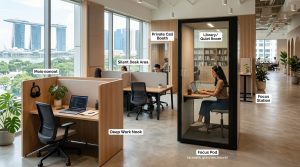
Working from a different desk every week can wreck your workflow. One day you’re in a quiet corner near the window, the next you’re at a communal table next to someone taking video calls. Your productivity shouldn’t depend on which seat you grab that morning. The most successful coworking members build portable systems that work anywhere, not routines that only function in perfect conditions.
A productivity system for coworking spaces needs three core elements: portable task management that works offline, environment-independent routines that adapt to any desk setup, and clear boundaries that protect focus time in shared environments. This approach lets you maintain consistent output whether you’re hot desking, traveling between locations, or working from different time zones. The system prioritizes flexibility over rigidity, making it sustainable for remote workers who change workspaces frequently.
Why Traditional Productivity Methods Fail in Shared Workspaces
Most productivity advice assumes you control your environment. Close your door. Adjust the lighting. Set up dual monitors exactly how you like them.
Coworking spaces don’t work that way.
You might arrive to find your favorite spot taken. The wifi could slow down during peak hours. Someone might book the phone booth you needed for your 2pm call. The psychology behind coworking shows that shared spaces boost creativity, but they also introduce variables you can’t control.
Your system needs to account for this unpredictability. That means building habits around what you can control: your tools, your schedule structure, and your response to interruptions.
The Three-Layer Framework for Coworking Productivity
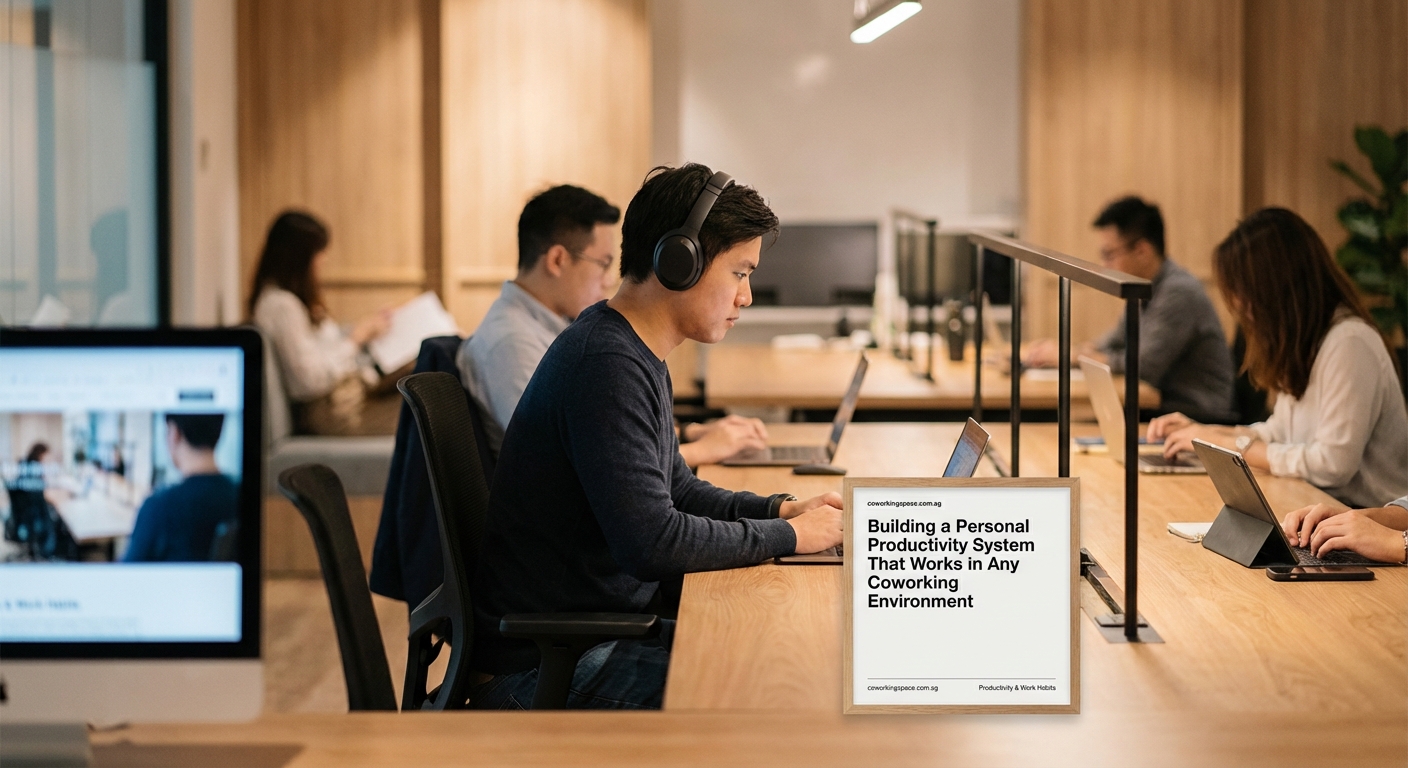
A sustainable productivity system for coworking spaces operates on three independent layers. Each layer functions on its own, so if one breaks down, the others keep you moving forward.
Layer One: Portable Task Management
Your task system must work without wifi, sync across devices, and remain accessible from any location. Paper notebooks fail when you forget them at home. Complex apps fail when the internet drops.
Start with a hybrid approach:
- Use a cloud-based task manager that caches data offline
- Keep a physical capture notebook for meetings and brainstorms
- Process both into your main system during a daily review
- Archive completed tasks weekly to prevent digital clutter
The daily review happens at the same time every workday, regardless of where you’re sitting. This consistency creates a rhythm that survives location changes.
Layer Two: Environment-Independent Routines
Your morning routine can’t depend on making coffee in your kitchen. Your focus blocks can’t require a specific desk setup. Build routines around actions, not locations.
Replace “I work best at my dedicated desk with my ergonomic setup” with “I work best after a 10-minute planning session and 90 minutes of uninterrupted time.”
The first version breaks when you’re hot desking. The second version works anywhere.
Key environment-independent practices:
- Start each work session with a five-minute priority check
- Use noise-canceling headphones as your focus trigger
- Take breaks away from your desk, not at it
- End each day by setting up tomorrow’s first task
These habits travel with you. They don’t care which coworking space you choose or which membership type you have.
Layer Three: Boundary Systems for Shared Spaces
Eliminating distractions in shared workspaces requires clear signals to others and to yourself. You need visual cues that communicate “I’m in focus mode” without being rude.
Physical boundaries:
- Headphones on means deep work, headphones off means available for chat
- Laptop screen angled away from walkways reduces shoulder surfing
- Phone face-down on desk signals you’re not checking messages
- Closed notebook means you’re between tasks and open to conversation
These signals help manage the social energy of coworking without isolating yourself completely. The goal isn’t to hide from everyone. It’s to control when and how you engage.
Building Your Personal Operating System
Think of your productivity system as an operating system for your workday. It needs clear protocols for common situations.
Here’s a decision matrix for typical coworking scenarios:
| Situation | Response Protocol | Backup Plan |
|---|---|---|
| Favorite desk taken | Use seating variety to match task type | Quiet zone for deep work, communal for admin |
| Wifi unstable | Switch to offline tasks from backup list | Mobile hotspot for urgent deadlines |
| Too noisy for calls | Book meeting room or find outdoor space | Reschedule if neither option works |
| Feeling distracted | 5-minute walk then Pomodoro session | Change zones or work from cafe nearby |
| Energy dropping | Physical break, not coffee | Switch to easier tasks until energy returns |
Having preset responses removes decision fatigue. You don’t waste mental energy figuring out what to do when something goes wrong. You just execute the protocol.
The Weekly Planning Ritual That Makes Everything Work
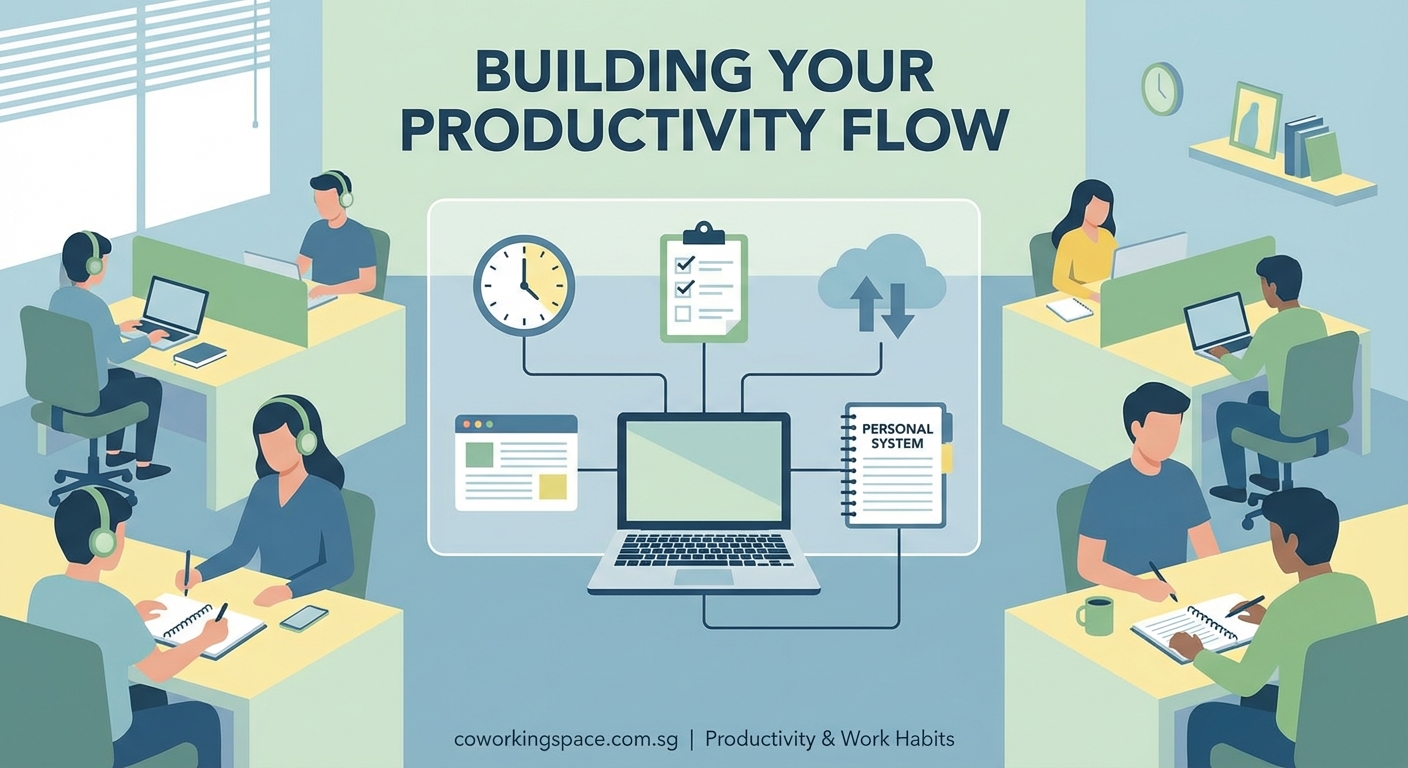
Daily routines keep you on track, but weekly planning keeps you moving in the right direction. Schedule 30 minutes every Sunday evening or Monday morning for this process.
Your weekly planning session should cover:
- Review last week’s completed work and note what worked
- List this week’s non-negotiable deadlines and commitments
- Block calendar time for deep work before meetings fill the gaps
- Identify which days you’ll work from which locations
- Prep your go-bag with everything you need for the week
That last point matters more than most people realize. Essential tools for remote workers should live in a dedicated bag that’s always ready. Chargers, adapters, headphones, notebooks, pens. Everything you need to work effectively from any desk.
Pack it once, check it weekly, never scramble.
Managing Energy Across Different Workspace Zones
Not all coworking zones serve the same purpose. Choosing between open workspace and quiet zones depends on your current energy level and task type, not just personal preference.
Match your work to your energy and environment:
- High energy + quiet zone = Deep work on complex projects
- High energy + open space = Collaborative work or networking
- Medium energy + quiet zone = Writing or detailed analysis
- Medium energy + open space = Email, admin tasks, planning
- Low energy + quiet zone = Research, reading, learning
- Low energy + open space = Light tasks, organizing, filing
Moving between zones throughout the day keeps you fresh. It also prevents you from burning out in one spot. Some coworking members make the mistake of camping in the same chair all day. Your body and brain need variety.
“The best productivity system is the one you’ll actually use next week when everything goes wrong. Build for sustainability, not perfection.” — Anonymous productivity coach
Adapting Your System When You Travel
Digital nomads working across countries face extra challenges. Time zones shift. Internet reliability varies. Cultural norms around workspace behavior differ.
Your system needs a travel mode.
Before arriving in a new city:
- Research coworking options and book day passes in advance
- Adjust your work hours to overlap with client time zones
- Download offline versions of critical documents and tools
- Set up VPN access for secure connections
- Build buffer time into your schedule for adaptation
The first week in a new location always takes more energy. You’re learning the space, the neighborhood, the best times to work. Don’t schedule major deadlines during that adjustment period.
Evaluating a coworking space quickly becomes a valuable skill when you work from multiple locations. You need to assess wifi speed, noise levels, desk comfort, and power outlet access within minutes of walking in.
Common Productivity Mistakes in Coworking Environments
Even experienced remote workers fall into these traps:
- Overscheduling social time because the community feels energizing, then burning out
- Skipping breaks because everyone else looks busy and productive
- Working through lunch at your desk instead of stepping away
- Staying too late because the space is open and you don’t have a commute
- Comparing your pace to others working around you
Common coworking mistakes often stem from treating the space like a traditional office. It’s not. You have more freedom, which means you need more self-discipline.
The solution isn’t working harder. It’s working smarter by respecting your own boundaries and energy cycles.
Tools That Support Location-Independent Productivity
Your tech stack should enhance your system, not become the system itself. Too many tools create friction. Too few leave you scrambling.
Essential categories:
- Task management: One app that syncs everywhere and works offline
- Time tracking: Simple timer for awareness, not micromanagement
- Communication: Async-first tools that don’t require instant responses
- File storage: Cloud backup that you can access from any device
- Focus support: Website blockers and notification managers
Avoid the trap of constantly switching tools. Pick one in each category, learn it deeply, and stick with it for at least three months before evaluating alternatives.
Morning routines for coworking members should include a tech check. Are all your tools synced? Is your battery charged? Do you have backup power? These small checks prevent bigger problems later.
Measuring What Actually Matters
Productivity metrics in coworking spaces look different from traditional office metrics. You can’t measure success by hours at your desk or number of meetings attended.
Better metrics for remote workers:
- Projects completed versus projects started
- Deep work hours versus total hours in the space
- Energy levels at the end of the workday
- Client satisfaction with deliverables and communication
- Personal satisfaction with work-life integration
Track these weekly in a simple spreadsheet or journal. Look for patterns. When do you do your best work? Which types of tasks drain you? What conditions help you focus?
This data helps you refine your system over time. You’re not guessing what works. You’re building evidence.
Building Flexibility Into Your Framework
The best productivity system for coworking spaces adapts as your needs change. What works during a busy project sprint might not work during a slower planning phase.
Build in regular system reviews:
- Daily: 5-minute end-of-day check on what worked and what didn’t
- Weekly: 30-minute planning and adjustment session
- Monthly: Hour-long review of tools, habits, and results
- Quarterly: Deep assessment of whether your system still serves your goals
Building an effective hybrid work schedule means accepting that some weeks you’ll work from the coworking space five days, other weeks just two. Your system needs to handle both scenarios without falling apart.
Flexibility doesn’t mean chaos. It means having clear structures that bend without breaking.
Making Your System Work Long-Term
Sustainability beats intensity every time. A perfect system you abandon after two weeks helps nobody. A good-enough system you maintain for two years transforms your productivity.
Start small. Pick one element from each layer and implement it this week:
- Choose your task management tool and set up your first project
- Define one environment-independent routine you’ll practice daily
- Establish one boundary signal you’ll use consistently
Add complexity only after these basics become automatic. Most productivity failures happen because people try to change everything at once.
Understanding different membership types helps you choose the workspace arrangement that supports your system best. Hot desking forces adaptability. Dedicated desks provide consistency. Private offices offer control. Match your membership to your working style, not the other way around.
Creating Consistency in Constantly Changing Spaces
The paradox of coworking productivity is that you need consistency in an environment designed for flexibility. Your system provides that consistency.
When you walk into any coworking space, anywhere in the world, you should be able to:
- Set up your workspace in under five minutes
- Access all your critical files and tools immediately
- Know exactly what task you’re starting with
- Understand your boundaries for the day
- Feel confident in your ability to do good work
That confidence comes from repetition. From having practiced your system enough times that it becomes second nature.
The value of coworking spaces extends beyond the physical amenities. The real value comes from having a professional environment that supports your personal productivity system. The space provides the container. Your system provides the structure.
Your Productivity System Starts Today
Building a productivity system for coworking spaces doesn’t require perfect conditions or expensive tools. It requires commitment to a few core practices that work regardless of where you sit.
Start with your next work session. Choose one environment-independent routine from this article and practice it. Tomorrow, add a boundary signal. Next week, implement your weekly planning ritual.
Small, consistent actions compound into significant results. Your productivity system isn’t something you build once and forget. It’s something you refine continuously as you learn what works for your brain, your work, and your lifestyle. The coworking environment gives you the flexibility to work anywhere. Your system gives you the structure to work effectively everywhere.