You’ve probably seen them everywhere. Standing desks have become fixtures in modern offices and coworking spaces across Singapore. But between the marketing hype and the price tags, it’s hard to know whether they actually deliver on their promises. Let’s cut through the noise and look at what the research says, what real users experience, and whether investing in one makes sense for your work situation.
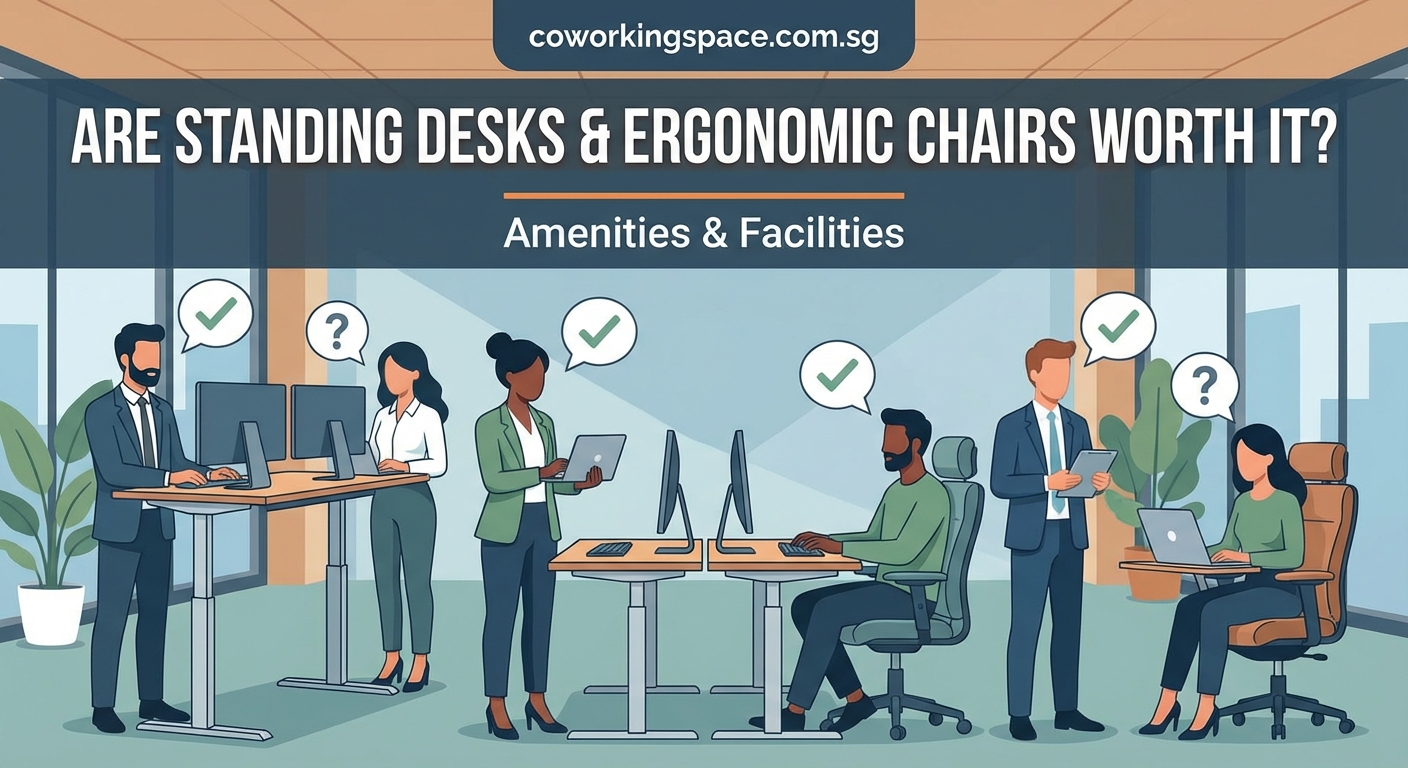
Standing desks can reduce back pain and boost energy when used correctly, but they’re not magic solutions. The real benefits come from alternating between sitting and standing throughout your day, maintaining proper posture in both positions, and combining desk adjustments with regular movement breaks. Most users see meaningful improvements within two to three weeks of consistent use.
What the Science Actually Says About Standing Desks
Research on standing desks has matured over the past decade. Early studies made bold claims. More recent work paints a nuanced picture.
A 2018 study published in the British Medical Journal found that alternating between sitting and standing reduced lower back pain by 32% among office workers. Participants stood for roughly two hours during their eight-hour workday.
Another study from Texas A&M University tracked call center employees over six months. Workers with standing desks were 46% more productive than their seated counterparts. They also reported feeling more comfortable and energized.
But here’s the catch. Standing all day isn’t the answer either.
Prolonged standing can cause leg fatigue, varicose veins, and foot problems. The sweet spot involves movement and variation. Your body wasn’t designed to stay in any single position for eight hours straight.
The cardiovascular benefits are modest. You’ll burn about 8 to 10 extra calories per hour while standing compared to sitting. That’s roughly 80 calories over a full workday. Not insignificant, but not a replacement for actual exercise either.
“The goal isn’t to stand all day. It’s to break up prolonged sitting with periods of standing and movement. Think of it as giving your body options throughout the day rather than forcing it into one position.” – Dr. Alan Hedge, Cornell University ergonomics professor
Real Health Benefits You Can Actually Expect
Let’s separate the proven benefits from the wishful thinking.
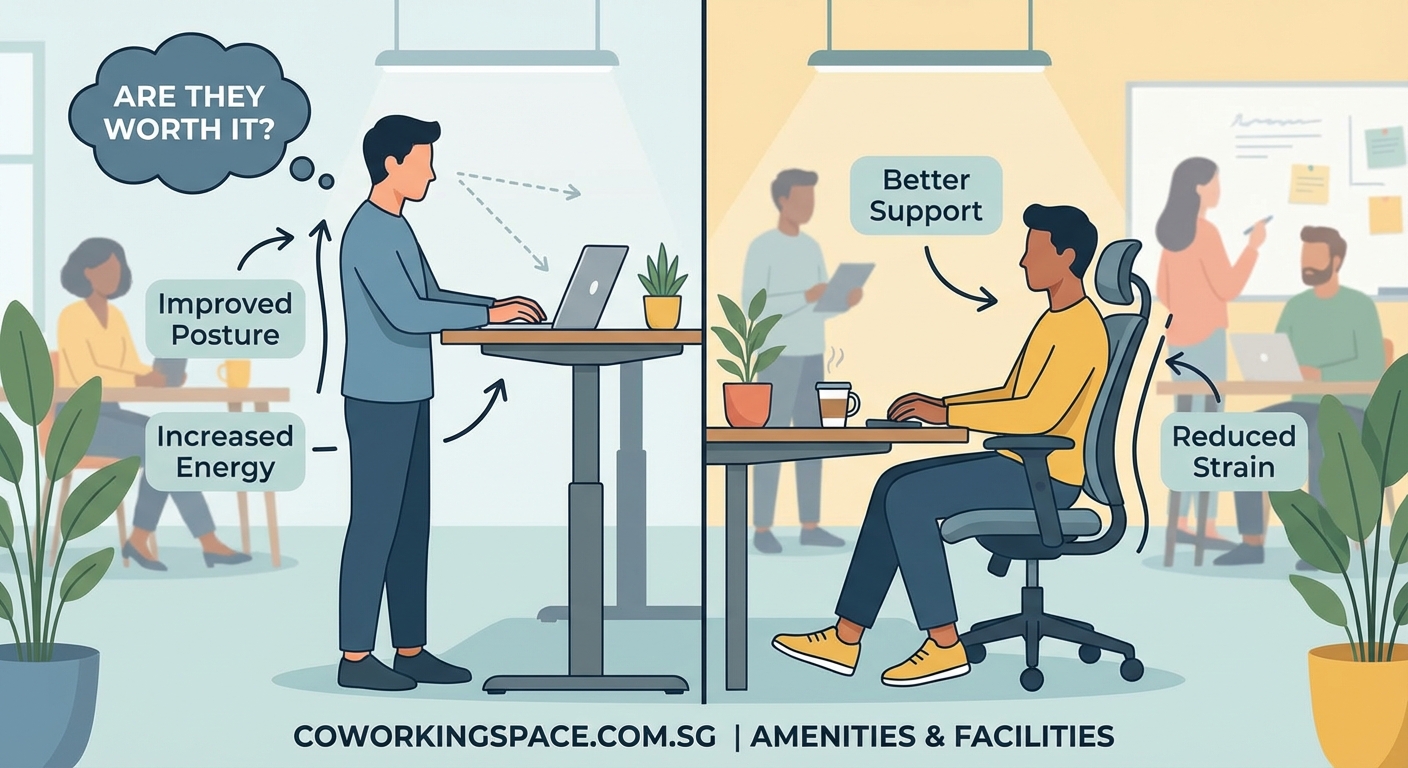
Lower back pain relief tops the list of verified benefits. Most people who switch to alternating between sitting and standing report noticeable improvement within two weeks. The relief comes from changing spinal loading patterns and engaging different muscle groups.
Improved energy levels show up consistently in user reports. Standing tends to keep you more alert, especially during the post-lunch energy dip. Many workers find they can focus better when standing for tasks requiring concentration.
Better posture awareness develops naturally. When you’re standing, you become more conscious of slouching or leaning. This awareness often carries over to your sitting posture as well.
Reduced risk of weight gain happens through increased daily movement. While the calorie burn from standing alone is modest, people with standing desks tend to move more overall. They shift their weight, walk to grab water more often, and take more spontaneous movement breaks.
Lower blood sugar spikes after meals have been documented in several studies. Standing for 15 to 30 minutes after eating can help regulate glucose levels, particularly beneficial for people with insulin resistance.
What standing desks won’t do:
- Replace regular exercise
- Automatically fix poor posture
- Eliminate all back pain
- Cause significant weight loss on their own
- Cure chronic health conditions
The Productivity Question Everyone Wants Answered
Does standing while working actually make you more productive? The answer depends on the task.
For creative work, brainstorming, or phone calls, standing often helps. Many people report clearer thinking and better energy when standing during these activities.
For detailed work requiring fine motor control, like graphic design or data entry, sitting usually works better. Your hands stay steadier when your body is supported.
The real productivity boost comes from having options. When you can switch positions based on the task and how you’re feeling, you work more efficiently overall.
A 2016 study at Stanford University found that walking increased creative output by 60%. While standing isn’t walking, it puts you one step closer to movement. Standing desk users report taking more walking breaks because they’re already on their feet.
Building a personal productivity system that works in any coworking environment becomes easier when you can adjust your physical setup to match your mental state.
Cost Analysis for Different Work Situations
Standing desks range from $200 for basic manual models to $2,000 for premium electric versions. Let’s break down whether the investment makes sense for different scenarios.
| Work Situation | Recommended Option | Typical Cost | Payback Period |
|---|---|---|---|
| Home office full-time | Electric sit-stand desk | $500-800 | 6-12 months via health benefits |
| Coworking space member | Seek spaces with adjustable desks | $0 extra | Immediate |
| Office employee | Request from employer | $0 personal | Immediate |
| Freelancer with limited space | Desktop converter | $150-300 | 3-6 months |
| Digital nomad | Portable laptop stand | $30-60 | 1-2 months |
For coworking space members, the calculation changes entirely. Many modern coworking spaces already provide height-adjustable desks as standard amenities. Understanding coworking membership types helps you identify which spaces prioritize ergonomic furniture.
If you’re considering whether coworking spaces are worth the cost, access to premium ergonomic furniture without personal investment adds significant value.
How to Use a Standing Desk Without Making Common Mistakes
Most people get standing desks wrong at first. Here’s how to avoid the typical pitfalls.
Start gradually. Don’t try to stand for four hours on your first day. Begin with 15 to 30 minutes at a time. Increase by 10 to 15 minutes each week until you reach a comfortable rhythm.
Get the height right. Your elbows should form a 90-degree angle when your hands rest on the keyboard. Your monitor should sit at eye level, about an arm’s length away. Many people set their desks too high, causing shoulder strain.
Use an anti-fatigue mat. These cushioned mats reduce pressure on your feet and encourage subtle movements. They make a noticeable difference in comfort during longer standing periods.
Wear supportive shoes. Save the flip-flops for the beach. Proper footwear matters more when standing. Some people keep a pair of supportive shoes at their desk specifically for standing sessions.
Keep moving. Shift your weight between feet. Do calf raises. Take a few steps every 20 minutes. Static standing is almost as bad as static sitting.
A Practical Standing Schedule for Beginners
- Start your morning seated for 30 to 45 minutes while checking emails and planning your day.
- Stand for your first focused work block, typically 45 to 60 minutes.
- Sit during mid-morning meetings or collaborative work.
- Stand for 20 to 30 minutes before lunch while handling lighter tasks.
- Sit during and immediately after lunch for 45 to 60 minutes.
- Stand during your afternoon focus block, usually 45 to 90 minutes.
- Sit for detailed work or end-of-day wrap-up tasks.
This pattern gives you roughly two to three hours of standing spread throughout the day. Adjust based on how your body responds.
Standing Desks in Coworking Spaces
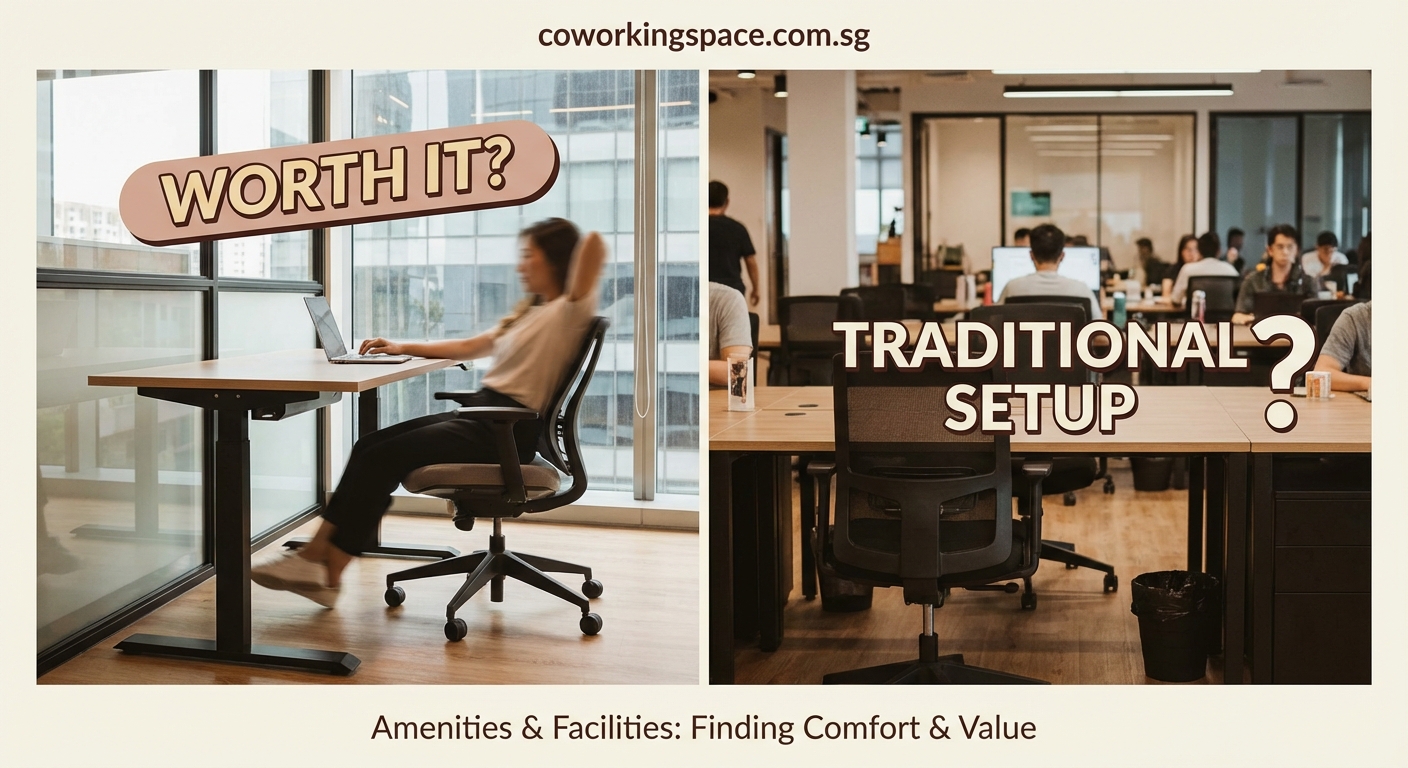
Coworking spaces increasingly recognize ergonomic furniture as a competitive advantage. The best spaces offer multiple options for different work styles.
10 must-have amenities every modern coworking space should offer typically includes adjustable workstations. When evaluating spaces, test the desks yourself. Some adjustment mechanisms work smoothly. Others require frustrating effort.
Look for these features:
- Electric height adjustment (manual cranks get annoying fast)
- Smooth, quiet motors
- Preset height buttons for easy switching
- Stable surface that doesn’t wobble when typing
- Sufficient desk space for your equipment
- Nearby power outlets at multiple heights
How to choose your first coworking space in Singapore should include testing the ergonomic options during your visit. Spend 15 minutes working at different desk types before committing to a membership.
Some coworking spaces designate specific zones with standing desks. Others integrate them throughout the space. Consider which setup matches your preferred work style.
The Ergonomic Chair Question
Here’s where things get interesting. Standing desks often get paired with ergonomic chairs in discussions, but they serve different purposes.
A quality ergonomic chair supports proper sitting posture. It should have:
- Adjustable seat height and depth
- Lumbar support that matches your spine’s curve
- Armrests at the right height
- Breathable material
- Stable base with smooth-rolling casters
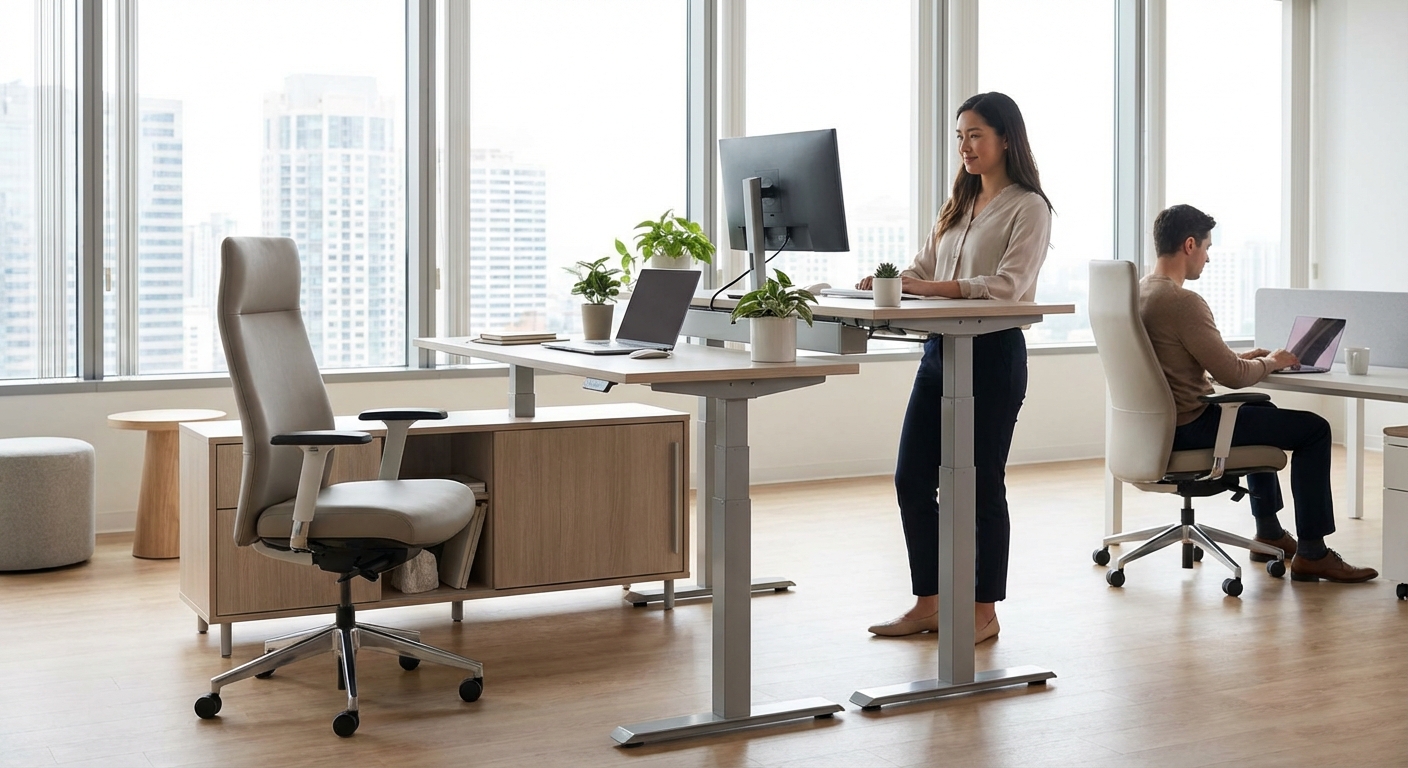
The best setup combines both. Use your standing desk for variation and movement. Use your ergonomic chair for tasks requiring stability and fine motor control.
Many people make the mistake of viewing standing desks and ergonomic chairs as competing solutions. They’re actually complementary. Your body benefits from having multiple supported positions available throughout the day.
Budget-conscious workers sometimes ask whether to invest in a standing desk or an ergonomic chair first. If you can only afford one, the chair typically delivers more immediate relief for most people. You spend more cumulative time sitting than standing, even with a standing desk.
What Coworking Space Managers Should Know
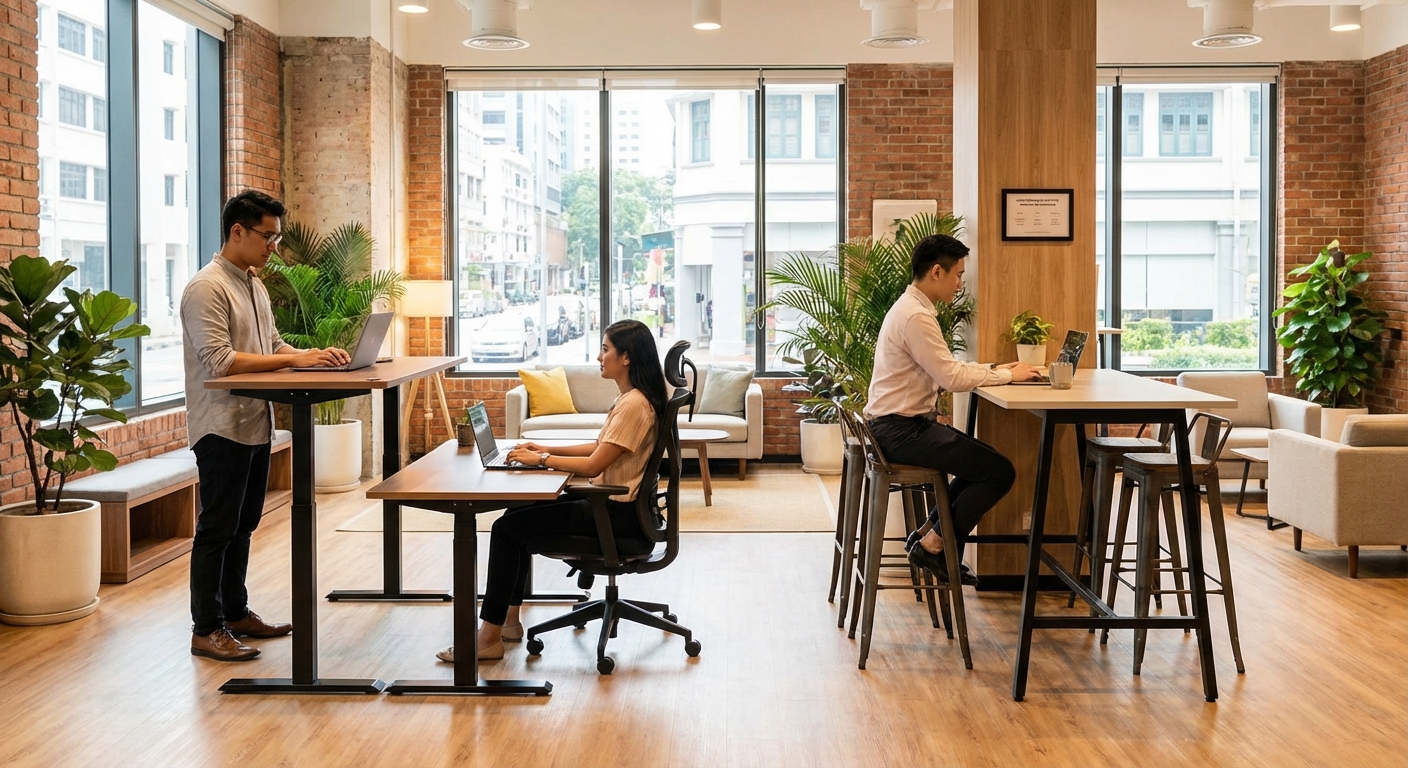
If you manage a coworking space, strategic investment in standing desks can differentiate your offering.
Member surveys consistently rank ergonomic furniture in the top five priorities. It signals that you care about member wellbeing beyond just providing a desk and WiFi.
Start with a test zone. Dedicate 20% to 30% of your desks to adjustable models. Track usage patterns over three months. You’ll likely find they get claimed first during peak hours.
Consider these implementation strategies:
Mix desk types throughout your space. Don’t create a standing desk ghetto. Integrate them naturally so members can choose based on availability and preference.
Provide brief orientation. A simple one-page guide showing proper desk and monitor height prevents misuse and complaints.
Include anti-fatigue mats. This small addition dramatically improves the standing desk experience. Members notice and appreciate it.
Maintain the mechanisms. Electric desks require occasional maintenance. Budget for this upfront rather than dealing with broken equipment later.
Survey members regularly. Ask about their usage patterns and preferences. This data helps you make informed decisions about future furniture investments.
The upfront cost is higher than standard desks, but member retention often improves. People who find a space that supports their health needs tend to stay longer.
Alternative Solutions That Cost Less
Not everyone needs a full standing desk. Several lower-cost options deliver similar benefits.
Desktop converters sit on top of your existing desk. They raise your monitor and keyboard to standing height. Quality models cost $150 to $300. They work well if you have limited space or want to test standing before committing to a full desk.
Laptop stands with external keyboards offer the most portable solution. You can achieve proper ergonomics for under $100. This setup works particularly well for remote workers who split time between locations.
Adjustable monitor arms let you change screen height throughout the day. Combined with a keyboard tray, you can create multiple working positions at a standard desk. Total cost runs $150 to $250.
Balance boards or standing mats encourage movement while standing at any surface. They’re portable and cost $30 to $100. Many people use them with kitchen counters or high tables as improvised standing desks.
Treadmill desks take the concept further by adding walking. They’re expensive ($1,000 to $3,000) and take up significant space, but some people swear by them for certain tasks.
The key is matching the solution to your specific needs and constraints. A $50 laptop stand might deliver 80% of the benefits of a $1,000 desk for your situation.
Measuring Whether It’s Working for You
Give any new setup at least three weeks before judging results. Your body needs time to adapt.
Track these indicators:
- Energy levels throughout the day, particularly during typical slump times
- Back or neck discomfort on a scale of 1 to 10 each evening
- Focus duration before needing a break
- Overall comfort during different tasks
- Movement frequency compared to your previous setup
Keep a simple log for the first month. Note when you stand, how long, and how you feel. Patterns emerge that help you optimize your routine.
Warning signs that something’s wrong:
- Increased foot, leg, or back pain
- Numbness or tingling in your legs
- Extreme fatigue by midday
- Difficulty concentrating while standing
- Avoiding the standing position altogether
These symptoms usually indicate incorrect setup or too much standing too soon. Adjust your approach before deciding standing desks don’t work for you.
Some people genuinely don’t benefit from standing desks. If you’ve given it a fair trial with proper setup and gradual adaptation, and you still feel worse, that’s valuable information. Not every ergonomic solution works for every body.
The Movement Factor That Matters Most
Here’s the truth most standing desk marketing glosses over. The biggest benefit isn’t standing itself. It’s the increased movement that standing enables.
When you’re already on your feet, you’re more likely to:
- Walk to refill your water bottle
- Pace during phone calls
- Stretch between tasks
- Take the stairs instead of waiting for the elevator
- Move to a different work zone
This accumulated movement throughout the day matters more than the standing time itself. The psychology behind coworking spaces often includes design elements that encourage natural movement between zones.
Think of your standing desk as a gateway to more dynamic work habits rather than a destination in itself. The goal is breaking up sedentary patterns, not replacing sitting with static standing.
Combine your standing desk routine with deliberate movement practices. Set a timer for every 45 minutes. When it goes off, move for two to three minutes regardless of whether you’re sitting or standing. Walk the perimeter of your workspace. Do some stretches. Grab a drink.
How to eliminate distractions and stay focused in a shared workspace includes using movement breaks strategically to reset your attention.
Making the Decision That’s Right for Your Situation
So, are standing desks worth it? For most people, yes, but with important caveats.
They’re worth it if you:
- Experience regular back or neck pain from prolonged sitting
- Have access to quality adjustable furniture (through work or coworking spaces)
- Commit to learning proper use and building the habit gradually
- Combine standing with regular movement throughout your day
- View it as one tool in a broader approach to workplace wellness
They might not be worth it if you:
- Have existing foot, leg, or circulation problems
- Work in a space where you can’t control desk height
- Need to do primarily fine motor work requiring steady hands
- Have a limited budget and would benefit more from other ergonomic investments
- Prefer to invest in regular exercise and movement breaks instead
The best approach for most people combines multiple strategies. An adjustable desk gives you options. An ergonomic chair supports proper sitting. Regular movement breaks keep your body functioning well. Proper monitor placement prevents neck strain.
If you’re using coworking spaces in Singapore, you can test different setups without personal investment. Try standing desks for a few weeks. Pay attention to how your body responds. Let your experience guide your decision rather than marketing claims or peer pressure.
Your Body Knows Best
The standing desk debate often gets framed as all or nothing. Stand all day or sit all day. Electric adjustment or manual crank. Premium brand or budget option.
Reality is messier and more personal than that.
Your ideal setup depends on your body, your work, your space, and your budget. What works perfectly for your coworker might cause you problems. What feels uncomfortable at first might become your preferred position after adaptation.
Start where you are. Make small changes. Pay attention to your body’s feedback. Adjust based on what you learn.
The goal isn’t perfect ergonomics. It’s creating conditions where you can work comfortably and sustainably for years to come. Sometimes that involves a standing desk. Sometimes it doesn’t. Either way, the choice should be informed by evidence and personal experience rather than trends or assumptions.
Give yourself permission to experiment, adapt, and change your mind as you learn what your body actually needs.