
Your video call freezes mid-pitch. Your file upload stalls at 87%. Your cloud-based design software times out right before you save.
These aren’t just minor annoyances. They’re productivity killers that cost you clients, deadlines, and sanity. For remote workers, freelancers, and digital nomads, internet connectivity isn’t a nice-to-have amenity. It’s the foundation of everything you do.
High-speed internet coworking spaces provide the reliable connectivity remote workers need to maintain productivity. Most professionals require at least 25-50 Mbps for standard work, while video editors and developers need 100+ Mbps. Before committing to any workspace, test the actual speeds during peak hours, check bandwidth allocation policies, and confirm backup connectivity options to avoid workflow disruptions.
Why internet speed actually matters for your daily work
You might think any connection that loads websites is good enough.
That assumption falls apart the moment you join a video conference with screen sharing enabled. Or when you need to upload a 2GB client presentation before a deadline. Or when your design software needs constant cloud syncing.
Different work types demand different bandwidth levels. A content writer working in Google Docs needs far less than a video editor rendering files in the cloud. A software developer pushing code to GitHub has different requirements than a graphic designer downloading high-resolution stock photos.
Here’s what really happens when speeds drop below your work requirements:
- Video calls become choppy, making you look unprofessional
- Cloud software lags, turning simple tasks into frustrating waits
- File transfers take exponentially longer, eating into productive hours
- Multiple browser tabs slow to a crawl as bandwidth gets divided
- Backup syncing fails, putting your work at risk
The hidden cost isn’t just time. It’s the mental load of constantly wondering if your connection will hold. That uncertainty drains focus and creates anxiety around tasks that should be routine.
Speed requirements broken down by work type
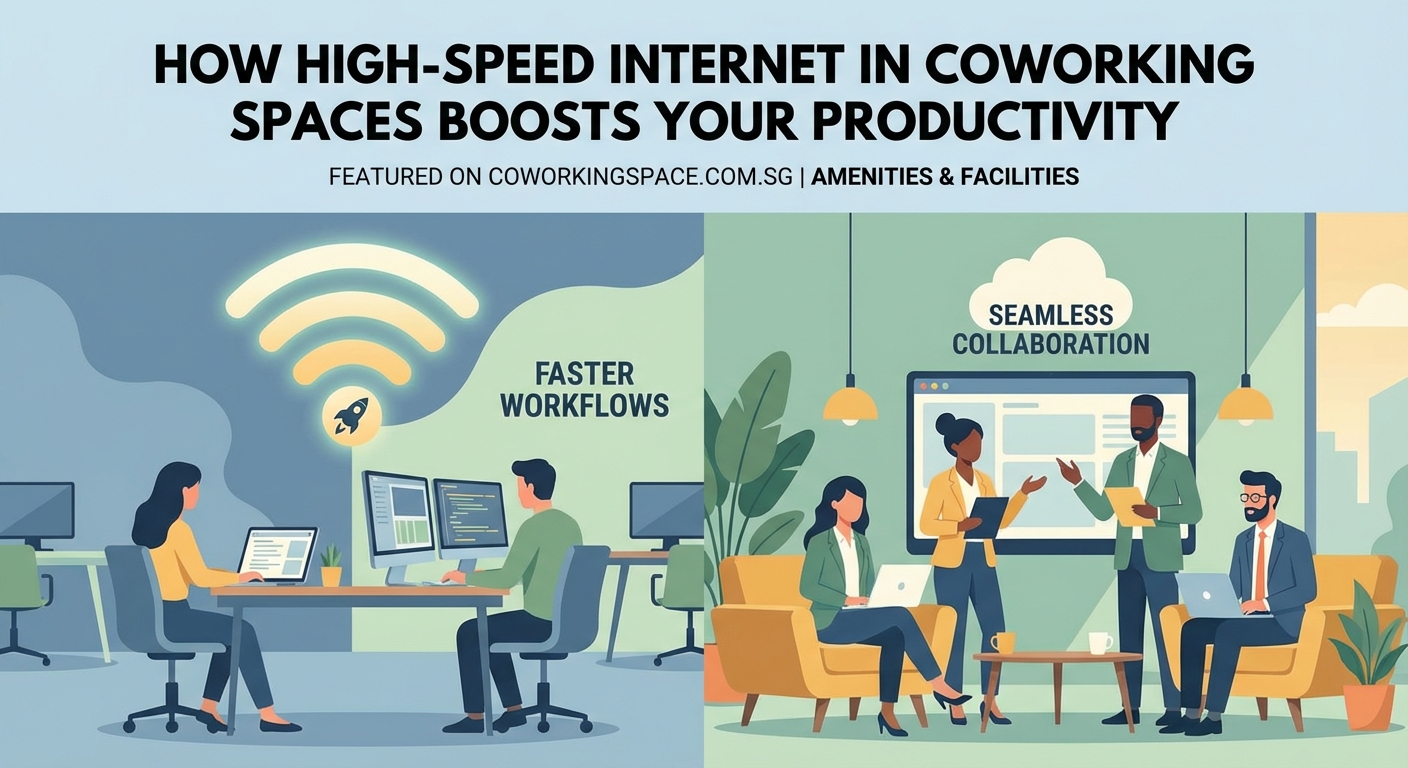
Not everyone needs gigabit fiber. But you do need to match your connection to your actual workflow.
Here’s a practical breakdown:
| Work Type | Minimum Speed | Recommended Speed | Why |
|---|---|---|---|
| Writing & research | 10 Mbps | 25 Mbps | Basic browsing, document editing, email |
| Video calls (1:1) | 5 Mbps upload | 10 Mbps upload | Stable video without freezing |
| Video calls (group) | 10 Mbps upload | 25 Mbps upload | Multiple video streams |
| Graphic design | 25 Mbps | 50 Mbps | Large file downloads, cloud software |
| Video editing | 50 Mbps | 100+ Mbps | 4K file uploads, cloud rendering |
| Software development | 25 Mbps | 50 Mbps | Repository syncing, testing environments |
| Live streaming | 10 Mbps upload | 25+ Mbps upload | Consistent upload for broadcasting |
Upload speed matters just as much as download speed. Many internet plans advertise fast downloads but provide minimal upload bandwidth. That asymmetry becomes a problem when you’re sharing your screen, uploading deliverables, or backing up files.
Pay attention to the “upload” column. Most people focus only on download speeds, then wonder why their video quality drops on calls or why file uploads take forever.
What to test before signing up for a coworking space
Don’t trust the marketing materials. Test the actual connection yourself.
Most coworking spaces offer day passes or trial periods. Use that time to run real-world tests, not just speedtest.net screenshots. Here’s your testing checklist:
-
Run speed tests at different times. Test at 9am when everyone arrives, at 2pm during peak hours, and at 5pm before people leave. Speeds that look great at 11am might collapse when 50 people are online simultaneously.
-
Join a video call with screen sharing. Open a Zoom or Google Meet call with a colleague. Share your screen while presenting a document or website. Watch for lag, freezing, or audio dropouts.
-
Upload a large file. Try uploading a 100MB file to Google Drive or Dropbox. Time how long it takes. This simulates real deliverable submissions.
-
Open your actual work applications. Don’t just browse websites. Open Figma, Adobe Creative Cloud, VS Code, or whatever tools you use daily. See how they perform on the network.
-
Check the WiFi coverage. Walk around the entire space with your laptop. Some areas might have dead zones or weak signals, especially in corners or near windows.
-
Ask about bandwidth allocation. Some spaces throttle individual users or prioritize certain types of traffic. Find out if there are any restrictions that might affect your work.
Professional spaces should provide at least 100 Mbps shared bandwidth with proper network management. Spaces serving designers, developers, or video professionals should offer 500+ Mbps or dedicated connections for heavy users.
“I learned this the hard way. A coworking space advertised ‘1 Gbps fiber’ but had 80 members sharing a single connection. During busy hours, I couldn’t even load Gmail. Always test during peak times before committing.” – Sarah Chen, freelance UX designer
The difference between shared and dedicated connections
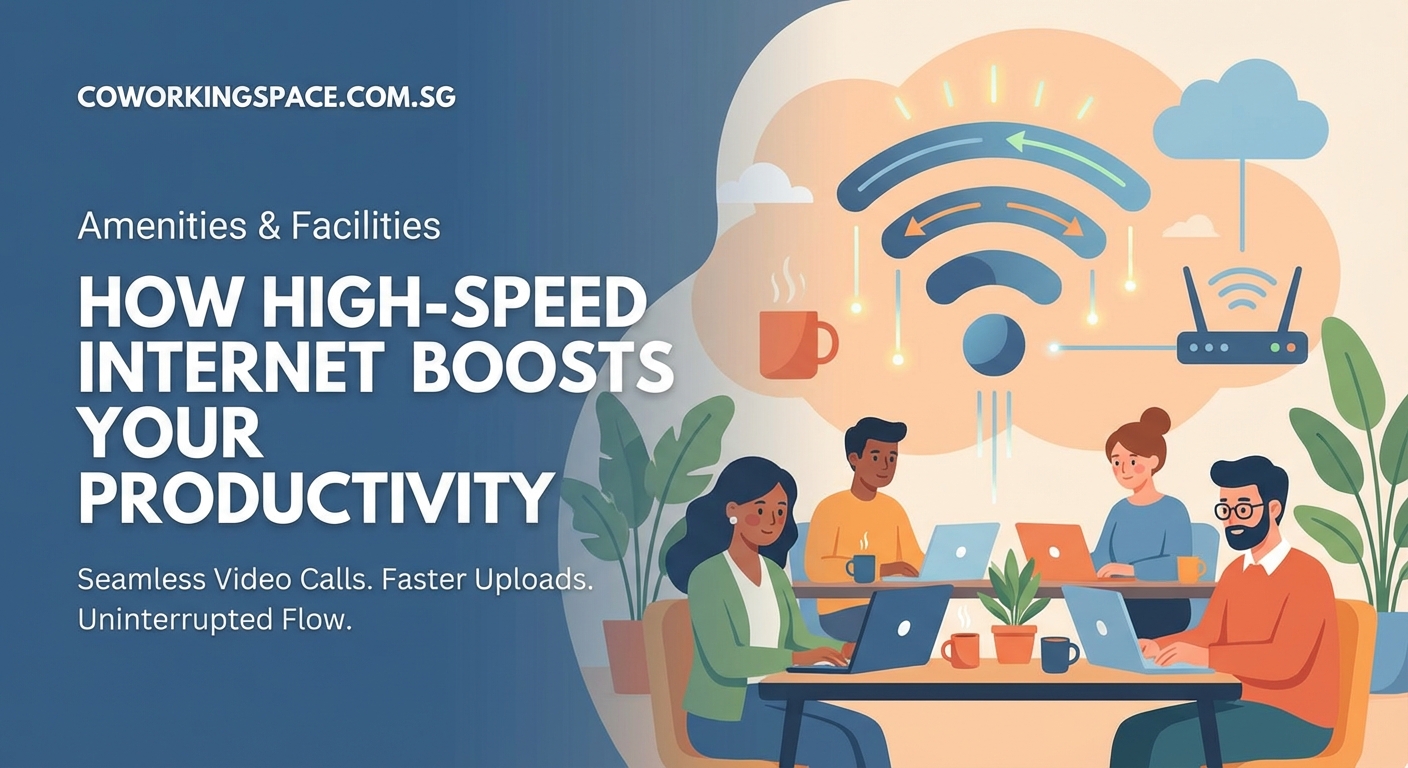
Most coworking spaces use shared internet connections. Everyone in the space splits the total bandwidth available.
This works fine when the space manages capacity properly. Problems arise when too many people use bandwidth-heavy applications simultaneously.
Think of it like a highway. A 500 Mbps connection might seem fast, but if 50 people are online at once, each person effectively gets 10 Mbps. Add a few video calls and large file transfers, and speeds drop further.
Better coworking spaces implement several solutions:
- Load balancing across multiple internet providers. If one connection slows down, traffic automatically shifts to another.
- Quality of Service (QoS) rules. These prioritize video calls and critical applications over background downloads.
- Per-user bandwidth allocation. Everyone gets a guaranteed minimum speed, preventing one person from hogging the connection.
- Separate networks for different needs. Some spaces offer a “heavy user” network for designers and developers who need more bandwidth.
Private offices within coworking spaces sometimes include dedicated connections. You’re not sharing bandwidth with the entire building, just your team. This provides more consistent speeds but costs significantly more.
When evaluating spaces, ask these specific questions:
- How many people typically share the connection during peak hours?
- What’s the total bandwidth available?
- Do you implement QoS or traffic shaping?
- Is there a backup connection if the primary line fails?
Spaces that can’t answer these questions probably haven’t thought through their network infrastructure properly.
Backup connectivity and redundancy
Your internet connection will fail eventually. The question is whether your coworking space has a backup plan.
Professional spaces maintain multiple internet providers. If the primary connection drops, traffic automatically switches to a secondary line. You might not even notice the outage.
Less prepared spaces have a single connection with no failover. When it goes down, everyone’s work stops until the provider fixes it. That could take hours or days.
Here’s what proper redundancy looks like:
- Two or more internet service providers from different companies
- Automatic failover that switches connections within seconds
- Separate physical lines (not just different plans from the same provider)
- Backup power systems so routers stay online during outages
- Clear communication protocols for notifying members about issues
Some remote workers carry their own backup solutions. A mobile hotspot with a good data plan can save you when the main connection fails. This becomes particularly important if you’re working on time-sensitive projects or have scheduled calls.
Before committing to any space, ask about their uptime statistics. Well-managed spaces track and publish their network reliability data. If they can’t tell you their average uptime percentage, that’s a red flag.
How network congestion affects your productivity

Network congestion doesn’t just slow things down. It creates unpredictable performance that makes planning your day nearly impossible.
You might experience perfect speeds in the morning, then struggle to load basic websites after lunch. This inconsistency forces you to work around the network instead of focusing on your actual tasks.
Common congestion patterns in coworking spaces:
- Morning rush (9-10am): Everyone arrives and starts downloading emails, syncing files, and joining calls
- Lunch dip (12-2pm): Usage drops as people take breaks, creating a sweet spot for heavy uploads
- Afternoon peak (2-4pm): Maximum occupancy with everyone working simultaneously
- Evening slowdown (5-6pm): People wrap up, but some might be uploading final deliverables
Understanding these patterns helps you schedule bandwidth-intensive tasks strategically. Upload large files during lunch. Schedule important video calls during off-peak hours. Download resources in the morning before congestion builds.
Better yet, choose a coworking space that has solved congestion through proper infrastructure rather than forcing you to work around it.
Security considerations for shared networks
Public WiFi networks, even in professional coworking spaces, create security risks. You’re sharing network infrastructure with dozens or hundreds of other people.
Basic precautions every remote worker should take:
- Use a VPN for all work activities. This encrypts your traffic so others on the network can’t intercept it.
- Avoid accessing sensitive financial accounts on shared networks when possible.
- Keep your device’s firewall enabled to block unauthorized connection attempts.
- Disable file sharing and AirDrop when working in shared spaces.
- Use HTTPS websites exclusively (most browsers now warn about HTTP sites).
Some coworking spaces provide separate networks for different security levels. A “guest” network for visitors, a “member” network with better security, and sometimes a “secure” network for handling sensitive data.
Ask whether the space segments their network and what security measures they implement. Spaces serving financial professionals, healthcare workers, or legal teams should have enterprise-grade security protocols.
Your 7 essential tools remote workers need when using coworking spaces should always include a reliable VPN service, regardless of how secure the coworking space claims to be.
The real cost of poor connectivity
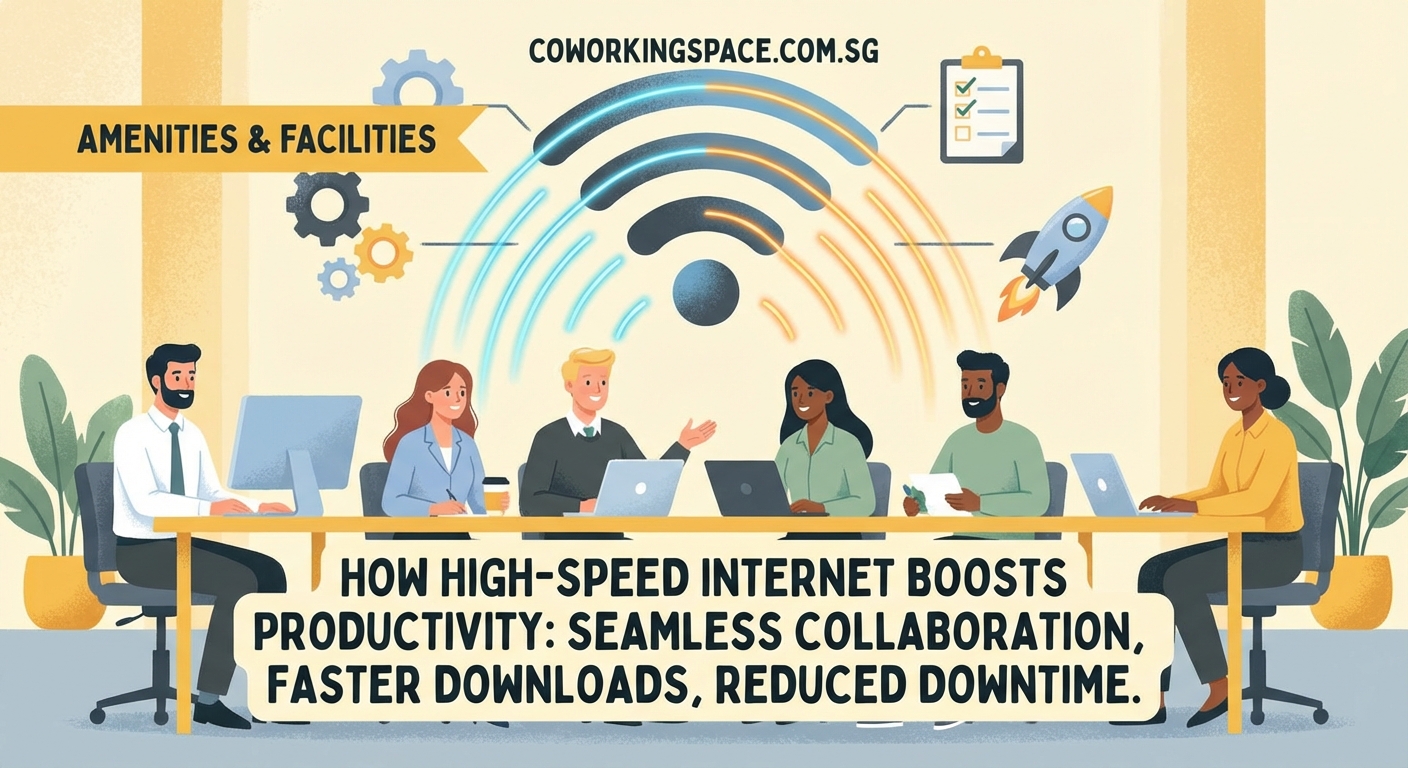
Bad internet doesn’t just waste time. It costs you money and opportunities.
Consider these real scenarios:
A freelance consultant loses a client pitch because their video kept freezing during the presentation. The client interprets technical problems as unprofessionalism. Lost contract value: $15,000.
A graphic designer misses a deadline because their 5GB file upload took six hours instead of the expected 30 minutes. The client goes with a more reliable competitor. Lost revenue: $3,000.
A software developer can’t push code to production because the connection keeps timing out. The delayed launch costs their startup a full day of potential user signups. Opportunity cost: immeasurable.
These aren’t hypothetical examples. They happen regularly to professionals working from spaces with inadequate connectivity.
The membership fee difference between a space with great internet and one with mediocre connectivity might be $100-200 per month. That’s a bargain compared to losing even one client or missing one important deadline.
When evaluating whether coworking spaces are worth the cost, factor in the real business impact of reliable connectivity. The cheapest option often becomes the most expensive when you account for lost productivity and opportunities.
Questions to ask during your space tour
Don’t be shy about asking detailed technical questions. Any professional coworking space should welcome these inquiries.
Essential questions about connectivity:
- What’s your total internet bandwidth and how many members typically share it?
- Do you have multiple internet providers for redundancy?
- What’s your average uptime percentage over the past six months?
- Can I run a speed test during my tour?
- Do you implement any bandwidth throttling or usage limits?
- What happens if the internet goes down during my workday?
- Do you offer wired ethernet connections for members who need them?
- How do you handle network congestion during peak hours?
- What security measures protect the network?
- Can I test the connection with my actual work applications?
Pay attention not just to the answers, but to how confident and transparent the staff is. Spaces that genuinely prioritize connectivity will have detailed answers ready. Vague responses or deflection suggests they haven’t invested properly in infrastructure.
If you’re choosing your first coworking space in Singapore, make internet testing a non-negotiable part of your evaluation process.
Alternative solutions when the main connection fails
Even the best coworking spaces experience occasional outages. Having a backup plan prevents these disruptions from derailing your entire day.
Mobile hotspot as primary backup. Modern smartphones can create WiFi hotspots using cellular data. A good data plan with 50-100GB per month costs $30-50 and provides reliable emergency connectivity. Keep your phone charged and your data plan active.
Nearby cafes with WiFi. Scout out 2-3 backup locations within walking distance of your coworking space. Test their connectivity in advance so you know where to go when needed.
Portable WiFi devices. Dedicated mobile hotspot devices often provide better performance than phone tethering. They support more simultaneous connections and have longer battery life.
Ethernet adapters. Some coworking spaces offer wired ethernet connections that remain stable when WiFi struggles. A USB-C to ethernet adapter costs $20-30 and can save you during WiFi congestion.
Offline work preparation. Download necessary files, documentation, and resources when connectivity is good. This lets you continue working offline during outages.
The goal isn’t to avoid coworking spaces with occasional connectivity issues. That’s unrealistic. The goal is to have contingency plans that minimize disruption when problems occur.
How connectivity affects different membership types
Your membership type influences your internet experience significantly.
Hot desk members connect to shared networks alongside everyone else. You’re most vulnerable to congestion and have the least control over your connectivity experience. The tradeoff is lower cost and flexibility.
Dedicated desk members use the same shared networks but often get priority during peak hours. Some spaces implement QoS rules that prioritize dedicated members over day pass users.
Private office members sometimes get dedicated connections or at least separate network segments. You’re sharing bandwidth with fewer people, creating more consistent speeds. This matters most if your team regularly handles large files or runs bandwidth-intensive applications.
Understanding coworking membership types and their tradeoffs helps you make informed decisions about where to invest your budget.
If connectivity is absolutely critical to your work, a private office might justify the extra cost. If you primarily work with documents and occasional video calls, a hot desk with good shared infrastructure works fine.
Location-specific connectivity considerations in Singapore
Singapore’s internet infrastructure is among the world’s best. Most coworking spaces have access to fiber connections with speeds of 500 Mbps to 1 Gbps.
But location still matters. Spaces in newer buildings often have better infrastructure than those in older shophouses or converted warehouses. Buildings in the CBD typically have multiple fiber providers available, while spaces in residential areas might have fewer options.
Coworking spaces in different Singapore neighborhoods vary significantly in their connectivity quality. Raffles Place and Marina Bay spaces often cater to finance and tech professionals who demand exceptional internet. Spaces in Tiong Bahru or Joo Chiat might prioritize ambiance over infrastructure.
For digital nomads visiting Singapore, connectivity should be a primary selection criterion. You don’t have time to deal with unreliable internet when you’re only in the city for a few weeks.
Testing connectivity as part of your trial period
Most coworking spaces offer day passes or trial weeks. Use this time strategically to evaluate connectivity under real working conditions.
Your testing schedule:
Day 1: Run basic speed tests and browse websites. Get a baseline understanding of the connection.
Day 2: Join video calls and test screen sharing. This reveals how the network handles real-time communication.
Day 3: Upload and download large files. Time these transfers to understand practical speeds for your workflows.
Day 4: Use your actual work applications. Open design software, development environments, or whatever tools you use daily.
Day 5: Work during different times of day. Test morning, afternoon, and late afternoon to see how congestion affects performance.
Document your findings. Take screenshots of speed tests, note any issues, and track how long common tasks take. This data helps you make an informed decision about committing to a longer membership.
If you discover problems during your trial, discuss them with the space management. Sometimes issues can be resolved through network adjustments or by using different areas of the space.
Making connectivity part of your workspace evaluation
Internet speed deserves equal weight alongside location, price, and amenities when choosing a coworking space.
Create a simple scoring system:
- Connectivity: 30% (speed, reliability, redundancy)
- Location: 25% (commute time, neighborhood)
- Price: 20% (monthly cost, contract terms)
- Amenities: 15% (meeting rooms, printing, coffee)
- Community: 10% (networking events, member mix)
This weighting reflects the reality that poor connectivity undermines everything else. A beautiful space in a perfect location becomes useless if you can’t do your work reliably.
Don’t let aesthetics or friendly staff distract you from technical fundamentals. A less photogenic space with rock-solid internet will serve you better than an Instagram-worthy location where your video calls keep dropping.
The must-have amenities in modern coworking spaces always include reliable high-speed internet as the foundation. Everything else is secondary.
When to walk away from a space
Some connectivity problems can’t be fixed. Recognize the warning signs:
- Management can’t or won’t answer basic questions about their network
- Speed tests show consistently poor performance during peak hours
- Other members complain regularly about connectivity issues
- The space has no backup internet provider or redundancy plan
- Staff seems unconcerned about network problems
- You experience frequent disconnections during your trial period
These red flags indicate fundamental infrastructure problems that won’t improve. Better to keep searching than to commit to a space that will frustrate you daily.
Your time and productivity are too valuable to waste on inadequate connectivity. The right space exists. Don’t settle for one that can’t meet your basic technical requirements.
Building your connectivity into your workflow
Even with excellent coworking space internet, optimize your workflows around connectivity realities.
Schedule bandwidth-intensive tasks strategically. Upload large deliverables during off-peak hours. Download resources before afternoon congestion builds.
Use local storage when possible. Not everything needs to live in the cloud. Keep working files on your laptop to reduce dependence on constant connectivity.
Implement automatic backups during low-usage periods. Set your backup software to sync overnight or during lunch hours when network congestion is lower.
Cache resources for offline access. Many applications let you download files for offline use. Take advantage of this during good connectivity periods.
Communicate your schedule to clients. If you know connectivity drops during certain hours, schedule calls and deliverables around those windows.
These habits complement good infrastructure rather than replacing it. You still need a coworking space with solid connectivity, but smart workflows maximize your productivity even during occasional slowdowns.
Understanding how to build a personal productivity system includes accounting for connectivity patterns in your daily planning.
Your connectivity checklist for workspace evaluation
Print this checklist and bring it to every coworking space tour:
- [ ] Speed test results during peak hours (2-4pm)
- [ ] Upload speed test with large file (100+ MB)
- [ ] Video call quality test with screen sharing
- [ ] WiFi coverage test in all areas you might work
- [ ] Confirmation of backup internet provider
- [ ] Network uptime statistics for past 6 months
- [ ] Bandwidth allocation policy explanation
- [ ] Security measures and network segmentation
- [ ] Ethernet connection availability
- [ ] Staff responsiveness to technical questions
- [ ] Member reviews about connectivity reliability
- [ ] Actual work application performance test
Complete this checklist during your trial period. Missing even one item could mean committing to a space that doesn’t meet your needs.
Finding the right balance for your specific needs
Not everyone needs the same level of connectivity. A writer working primarily in Google Docs has different requirements than a video editor uploading 50GB files daily.
Match your membership investment to your actual needs. Paying premium prices for gigabit fiber makes sense if you’re regularly transferring massive files. It’s overkill if you mainly write emails and join occasional video calls.
Consider your work patterns:
- How many hours per day do you actually need internet access?
- What’s the largest file you typically upload or download?
- How many video calls do you join daily?
- Do you use cloud-based applications that require constant connectivity?
- Can you work offline during connectivity issues?
Honest answers help you identify whether a budget-friendly space with decent internet works for you, or whether you need to invest in a premium location with enterprise-grade connectivity.
The goal isn’t to find the fastest possible internet. It’s to find reliable connectivity that matches your workflow without paying for capacity you’ll never use.
Why connectivity matters more than you think
High-speed internet in coworking spaces isn’t just about loading websites faster. It’s about maintaining the professional reliability that keeps clients trusting you, deadlines met, and your business growing.
Every frozen video call, failed file upload, and timed-out application chips away at your productivity and professional reputation. The cumulative effect of these small frustrations adds up to significant lost time and opportunities.
Choosing a coworking space with solid connectivity isn’t being picky. It’s being smart about the infrastructure your business depends on. Test thoroughly, ask detailed questions, and don’t settle for spaces that can’t meet your technical requirements.
Your work deserves a foundation that supports it rather than fighting against it. Find that space, and everything else becomes easier.