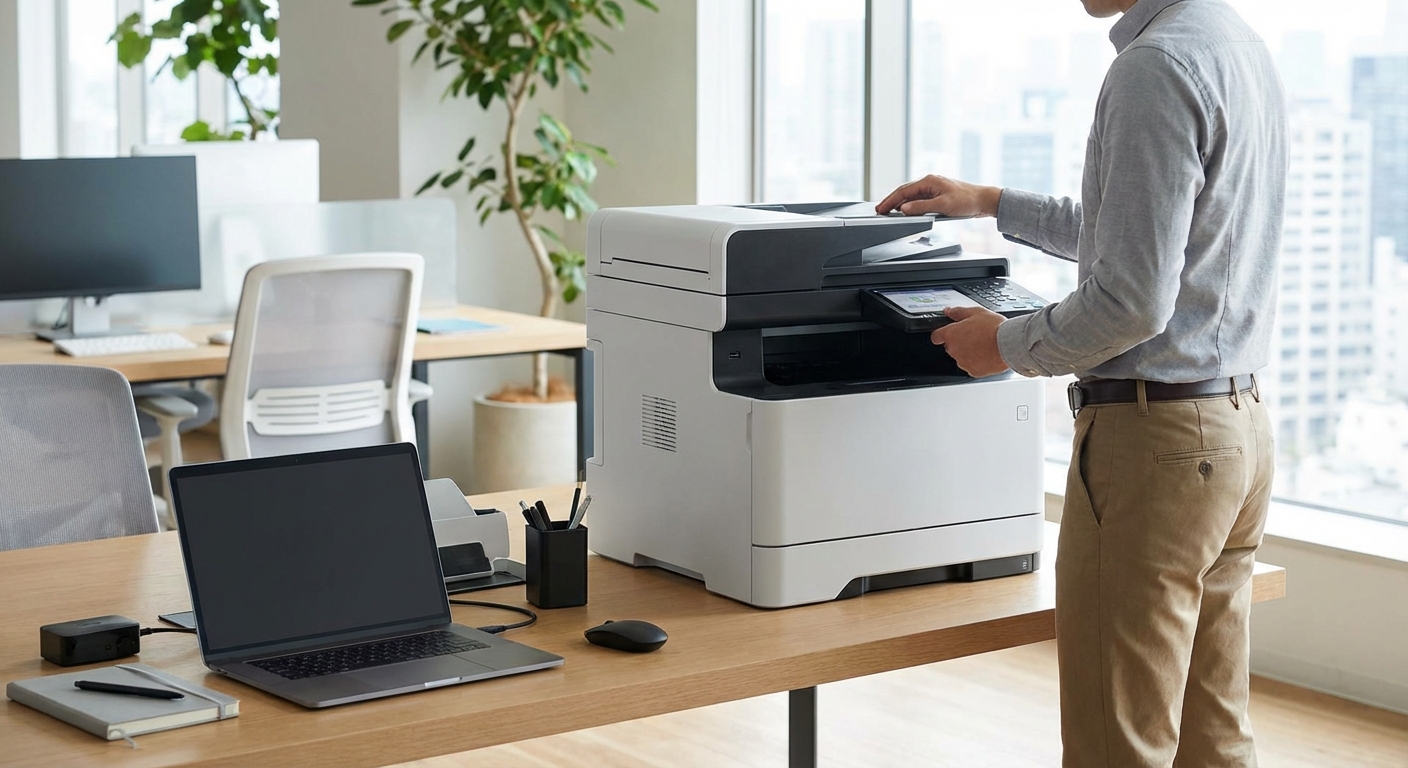
Printing documents in a shared workspace shouldn’t feel like solving a puzzle. Yet many coworking members and space operators struggle with equipment access, cost transparency, and usage policies. The right setup makes printing seamless while keeping costs manageable for everyone involved.
Printing in coworking spaces typically includes multifunction printers, scanners, and specialized equipment accessed through credit systems, monthly allowances, or pay-per-use models. Space operators should balance equipment quality with maintenance costs, while members benefit from understanding usage policies, document security protocols, and available alternatives like mobile printing apps. Proper setup reduces friction and keeps operations running smoothly for both parties.
Understanding Printing Equipment in Shared Workspaces
Most coworking spaces stock multifunction devices that handle printing, scanning, copying, and faxing. These machines serve dozens or hundreds of members daily, so reliability matters more than fancy features.
Commercial-grade printers differ significantly from home office equipment. They handle higher volumes, offer faster speeds, and include user authentication systems that track who printed what.
Space operators typically choose between leasing equipment with maintenance included or purchasing machines outright. Leasing spreads costs and includes regular servicing, while purchasing requires upfront capital but eliminates monthly payments.
Members care most about three things: availability, print quality, and cost. A printer that’s constantly out of paper or toner frustrates everyone. Quality matters for client presentations. Cost transparency prevents surprise charges at month end.
How Members Access Printing Services
Getting your documents printed involves more than hitting the print button. Most spaces use access control systems that require authentication before releasing jobs.
Here’s the typical process:
- Submit your print job from your laptop or mobile device to the designated network printer.
- Walk to the printer and authenticate using your membership card, PIN code, or mobile app.
- Select your job from the queue displayed on the printer’s touchscreen.
- Confirm the number of copies, color preferences, and paper size.
- Collect your documents and verify the correct pages printed.
- Check your account balance or credit usage if applicable.
This system prevents abandoned print jobs from piling up and ensures members only pay for documents they actually collect. It also protects confidential information since jobs don’t print automatically.
Some spaces offer mobile printing through apps like PrinterOn or PaperCut. You upload documents from your phone and release them at the printer when convenient. This works great for members who need to print boarding passes or contracts while away from their desk.
When choosing your first coworking space, ask about the printing authentication method during your tour. Some systems work better than others, and you’ll use this feature regularly.
Scanning Document Management Best Practices
Scanning capabilities often get overlooked until you need them urgently. Modern multifunction devices offer several scanning options that save time and improve document organization.
Most coworking printers support these scanning methods:
- Scan to email sends documents directly to your inbox as PDF attachments
- Scan to network folder saves files to a designated server location
- Scan to USB allows immediate transfer to your flash drive
- Scan to cloud uploads directly to Dropbox, Google Drive, or OneDrive
- Mobile scanning apps let you capture documents using your phone camera
The scan to email function works best for most members. You enter your email address on the touchscreen, place documents in the feeder, and receive the PDF within seconds. No software installation required.
For sensitive documents, USB scanning keeps files off network servers entirely. Bring your own flash drive, scan directly to it, and maintain complete control over your data.
Cloud integration streamlines workflows. Scan receipts straight to your accounting folder or contracts directly to your client project directory. This eliminates the step of downloading files to your computer first.
Space operators should configure scanning defaults that balance quality and file size. A 300 DPI grayscale scan works for most business documents while keeping file sizes manageable. Members who need higher resolution for photos or detailed graphics can adjust settings manually.
Cost Structures and Payment Models
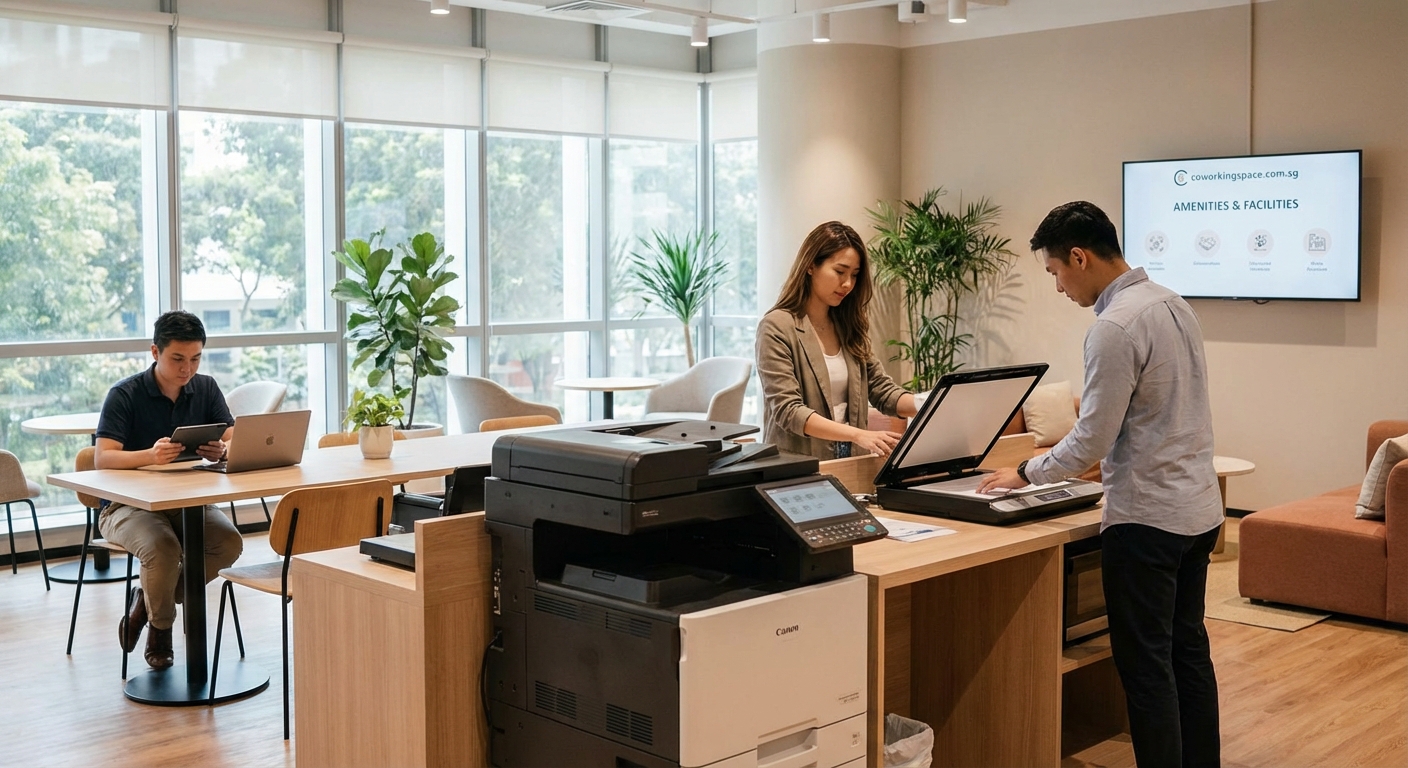
Printing costs vary dramatically between coworking spaces. Understanding the pricing model helps you budget accurately and avoid unexpected charges.
| Payment Model | How It Works | Best For | Common Pitfalls |
|---|---|---|---|
| Monthly Allowance | Fixed number of pages included in membership | Regular printers who stay within limits | Overage charges can be steep |
| Credit System | Purchase printing credits in advance | Occasional users who print sporadically | Credits may expire after set period |
| Pay Per Page | Charged for each page at time of printing | Infrequent printers | Adds up fast for heavy users |
| Unlimited Printing | All printing included in premium membership | High-volume users | Usually requires expensive tier |
| Bring Your Own | No printing provided, use external services | Minimal printers | Inconvenient when you need something now |
Black and white printing typically costs between $0.05 and $0.15 per page. Color printing runs $0.25 to $0.75 per page. Specialty paper, binding, and laminating carry additional fees.
Some spaces bundle printing credits with different membership types. Hot desk members might get 50 pages monthly, while private office tenants receive 500 pages. This tiered approach matches printing allowances to typical usage patterns.
Operators should track printing costs carefully. Paper, toner, and maintenance add up. A space with 100 members averaging 200 pages monthly needs to budget for 20,000 pages of supplies and equipment wear.
Members can reduce costs by printing double-sided, using grayscale instead of color when possible, and proofreading documents on screen before printing. These simple habits cut printing expenses significantly.
Equipment Maintenance and Reliability
Nothing disrupts workflow like a broken printer during a deadline crunch. Proactive maintenance keeps equipment running and members happy.
Space operators should establish maintenance routines that include:
- Daily paper and toner checks before peak hours
- Weekly cleaning of glass surfaces and paper feed rollers
- Monthly deep cleaning of internal components
- Quarterly professional servicing by technicians
- Annual replacement of high-wear parts like fusers and drums
Keep backup supplies on hand. Running out of toner on Friday afternoon when suppliers are closed creates unnecessary stress. Stock at least one spare toner cartridge for each color plus extra paper reams.
Create a simple reporting system for equipment issues. A sign near the printer with a QR code linking to a problem report form helps members communicate issues immediately. This beats discovering paper jams or quality problems hours later.
Consider maintenance contracts that include regular servicing and priority repairs. The monthly cost often proves cheaper than emergency service calls when equipment fails.
For members, treat shared equipment with care. Remove staples before scanning, don’t force jammed paper, and report problems promptly. Your consideration helps everyone.
Professional coworking operators monitor equipment usage patterns to predict maintenance needs before failures occur. Track monthly page counts, error rates, and service calls to identify problems early. This data-driven approach minimizes downtime and extends equipment lifespan significantly.
Specialized Equipment Beyond Basic Printing
Some coworking spaces offer equipment that goes beyond standard printing and scanning. These additions serve specific member needs and can differentiate your space from competitors.
Large format printers handle posters, banners, and architectural drawings up to 36 inches wide. Designers, architects, and marketing professionals appreciate this capability. The equipment costs more but commands premium pricing.
Binding machines create professional-looking presentations and proposals. Comb binding works for most documents, while thermal binding produces sleeker results. Both options beat stapled packets for client meetings.
Laminating equipment protects frequently handled documents and creates professional signage. Members use this for ID badges, reference cards, and small posters.
Label printers serve e-commerce businesses shipping products and offices organizing files. Dedicated label equipment produces cleaner results than printing on standard paper and cutting labels manually.
3D printers attract tech startups and product designers. While not traditional office equipment, they’ve become common in innovation-focused coworking spaces. The learning curve is steep but the creative possibilities appeal to certain member segments.
Photo printers deliver high-quality color output for marketing materials and portfolio pieces. These specialized devices produce better results than standard office printers for image-heavy documents.
When deciding which specialized equipment to offer, survey your member base. Adding a $10,000 large format printer makes sense if you have five architecture firms as tenants. It’s wasteful if nobody needs that capability.
Document Security and Privacy Protocols
Printing in shared spaces raises legitimate security concerns. Confidential client information, financial documents, and proprietary business materials all pass through communal equipment.
Authentication systems provide the first layer of protection. Jobs don’t print until the member releases them at the device, preventing others from collecting your documents accidentally or intentionally.
Automatic job deletion clears unreleased print jobs after a set time period. If you forget to collect a document, it disappears from the queue rather than sitting available for the next user to print.
Secure print release requires a PIN code or card swipe before documents print. Even if someone knows your username, they can’t release your jobs without your authentication credentials.
Network segmentation keeps print traffic separate from general internet access. This prevents unauthorized users from intercepting print jobs or accessing the printer’s stored data.
Regular data wiping clears printer hard drives of stored documents. Modern printers cache jobs temporarily, so periodic wiping ensures old documents don’t remain accessible.
For extremely sensitive documents, consider alternatives to shared printing. Mobile printing services, nearby print shops, or small personal printers in private offices provide additional security when needed.
Space operators should publish clear policies about document handling and data retention. Members need to understand what happens to their files and how long the equipment stores information.
Mobile Printing Solutions and Remote Access
The ability to print from anywhere in the building or even before arriving at the space adds significant convenience. Mobile printing technology has matured substantially in recent years.
Cloud printing services like Google Cloud Print (though discontinued, similar services exist) let you send documents from any device to registered printers. You don’t need to be on the same network or even in the same location.
Manufacturer apps from HP, Canon, Epson, and others offer mobile printing through proprietary platforms. Install the app, connect to the printer, and send documents from your phone or tablet.
Email-to-print functionality gives each printer a unique email address. Send documents as attachments and they print automatically. This works from any device with email access, no special software required.
QR code printing simplifies the connection process. Scan a code posted near the printer with your phone, and it automatically configures the connection. You can then print directly from your mobile device.
For spaces with multiple locations, unified printing systems let members print at any branch. Send a job from your home office and collect it at the airport location before your flight. This flexibility particularly benefits members working across different coworking spaces.
Space operators should test mobile printing solutions before deploying them widely. What works flawlessly in the vendor’s demo sometimes struggles with real-world network configurations and device diversity.
Setting Up Printing Infrastructure for New Spaces
Starting a coworking space requires careful planning around printing infrastructure. The decisions you make early affect member satisfaction and operational costs for years.
Calculate expected printing volume based on your target member count and business types. Professional services firms print more than software developers. Marketing agencies need color printing while accountants primarily use black and white.
Budget for equipment that can handle 150% of your expected volume. Better to have excess capacity than members waiting in line during busy periods. Underspecified equipment breaks down faster and frustrates users.
Choose between centralized printing stations and distributed equipment. One high-capacity printer in a central location works for smaller spaces. Larger facilities need multiple printers to avoid congestion and reduce walking distances.
Network infrastructure matters as much as the printers themselves. Ensure adequate bandwidth, proper network segmentation, and reliable wireless coverage. Printing problems often stem from network issues rather than equipment failures.
Consider environmental factors in equipment placement. Printers near windows experience temperature fluctuations that affect performance. Locations near high-traffic areas accumulate dust faster. Quiet zones shouldn’t host noisy equipment.
Plan for supply storage near printing stations. Members shouldn’t need to walk across the building to find paper when the tray runs empty. Organized supply areas encourage members to help maintain equipment.
Training Members on Equipment Usage
Even straightforward printing equipment confuses new members initially. Brief training sessions prevent frustration and reduce support requests.
Create simple visual guides posted near equipment showing common tasks step by step. Laminated quick reference cards survive the printing station environment better than paper signs.
Record short video tutorials covering basic operations and upload them to your member portal. Visual demonstrations work better than written instructions for many people. Keep videos under two minutes to maintain attention.
Offer optional orientation sessions for new members covering all office equipment. Fifteen minutes of hands-on practice prevents hours of confusion later. These sessions also provide networking opportunities as new members meet each other.
Designate certain staff members or experienced members as equipment ambassadors. Having someone to ask eliminates the intimidation factor of approaching complex machinery for the first time.
For specialized equipment like binding machines or large format printers, require brief certification before granting access. This protects expensive equipment and ensures quality results.
Document common problems and solutions in your knowledge base. When members search “printer not working,” they should find troubleshooting steps that resolve 80% of issues without staff intervention.
Balancing Equipment Investment With Member Needs
Space operators face constant pressure to add more equipment while controlling costs. Strategic decisions require understanding actual usage patterns versus perceived needs.
Track utilization data for existing equipment before adding new capabilities. If your current printer sits idle 70% of the time, you don’t need a second one. If members wait in line daily, additional capacity makes sense.
Survey members about equipment needs annually. What seemed essential when you opened might matter less now as your member mix evolves. New equipment requests might indicate changing demographics worth accommodating.
Consider equipment rental for specialized needs. If three members need large format printing twice monthly, renting equipment for those days costs less than purchasing and maintaining it year-round.
Partner with nearby print shops for overflow and specialty work. Negotiate member discounts and keep their business cards at your printing station. This provides solutions without capital investment.
Calculate true equipment costs including purchase price, supplies, maintenance, space occupied, and staff time managing it. That $3,000 printer might cost $8,000 annually when you factor in everything. Understanding real costs informs better decisions.
Compare equipment investment against membership revenue. Adding a $15,000 specialty printer makes sense if it attracts five additional members paying $500 monthly. It doesn’t make sense if usage doesn’t affect membership decisions.
Some amenities that make coworking spaces stand out cost less than printing equipment while providing greater member satisfaction. Balance your investments across different amenity categories.
Troubleshooting Common Printing Problems
Even well-maintained equipment experiences occasional issues. Quick problem resolution keeps members productive and reduces support burden.
Paper jams cause the most frequent printing problems. Usually they result from worn feed rollers, incorrect paper loading, or damaged paper. Clear jams gently, check paper orientation in trays, and replace bent or torn sheets.
Print quality issues like streaking, fading, or spots typically indicate toner problems or dirty components. Replace low toner cartridges, clean imaging drums, and wipe the glass scanning surface. Most quality problems resolve with basic cleaning.
Network connectivity problems prevent print jobs from reaching the device. Verify the printer appears on the network, check that wireless connections remain active, and restart both the printer and router if needed. Many connection issues resolve with simple reboots.
Authentication failures stop members from releasing their print jobs. Verify membership cards remain active in the system, check that PIN codes are entered correctly, and ensure the authentication server is responding. User error causes most authentication problems.
Slow printing frustrates members but often results from complex documents rather than equipment problems. Large PDF files with many images take longer to process. Suggest printing in smaller batches or reducing image resolution for drafts.
Create a simple troubleshooting flowchart members can follow before requesting help. Most issues resolve quickly when users check obvious solutions first. This reduces support requests and empowers members to solve minor problems independently.
Environmental Considerations and Sustainability
Printing consumes resources and generates waste. Environmentally conscious spaces implement practices that reduce impact without sacrificing functionality.
Default double-sided printing cuts paper consumption in half. Members who need single-sided documents can override the setting, but most won’t bother for internal documents. This simple change significantly reduces paper use.
Stock recycled paper with high post-consumer content. Quality has improved dramatically and most members can’t distinguish it from virgin paper. The environmental benefit outweighs any minor quality differences.
Implement toner cartridge recycling programs. Manufacturers often provide prepaid return shipping for empty cartridges. Some programs offer credits toward future purchases, offsetting costs while reducing landfill waste.
Set printers to sleep mode during off-hours. Modern equipment uses minimal power when idle but still consumes electricity 24/7 if not configured properly. Automated power management reduces energy waste.
Encourage digital alternatives when printing isn’t necessary. Cloud-based document sharing, electronic signatures, and screen sharing reduce printing volume without impacting productivity. Many members print from habit rather than necessity.
Track and report environmental metrics to members. Displaying monthly statistics on paper saved through double-sided printing or cartridges recycled creates awareness and encourages sustainable behavior.
Some spaces charge slightly higher rates for single-sided or color printing to encourage resource-conscious choices. Price signals influence behavior more effectively than policies alone.
Printing Equipment Makes the Workspace Work
The best printing setup becomes invisible. Members don’t think about it because everything works smoothly. They print what they need, when they need it, without frustration or confusion.
Space operators who invest time in proper equipment selection, maintenance routines, and member education create better experiences for everyone. The upfront effort pays dividends through reduced support requests, higher member satisfaction, and lower long-term costs. Whether you’re running a coworking space or working in one, understanding how printing infrastructure functions helps you make the most of these essential tools.